5balloons/laravel-smart-ads
最新稳定版本:v1.2.9
Composer 安装命令:
composer require 5balloons/laravel-smart-ads
包简介
Ad, Banners, Callouts Manager for Laravel
README 文档
README


Simple Ad, Banner, Callouts Manager for Laravel.
Video Demo
https://www.youtube.com/watch?v=Hy_qZTljupQ
Installation
You can install the package via composer:
composer require 5balloons/laravel-smart-ads
The package will automatically register itself.
Publishing Migrations (Required)
php artisan vendor:publish --provider="_5balloons\LaravelSmartAds\LaravelSmartAdsServiceProvider" --tag="smart-ads-migrations"
and then run migrate command to run the migrations
php artisan migrate
Publishing Assets (Required)
php artisan vendor:publish --provider="_5balloons\LaravelSmartAds\LaravelSmartAdsServiceProvider" --tag="smart-ads-assets"
This command will copy the necessary css and js files required to run the ad manager dashboard.
Publishing Config File (Optional)
php artisan vendor:publish --provider="_5balloons\LaravelSmartAds\LaravelSmartAdsServiceProvider" --tag="smart-ads-config"
Usage
The ad manager dashboard can now be accessed at /smart-ad-manager
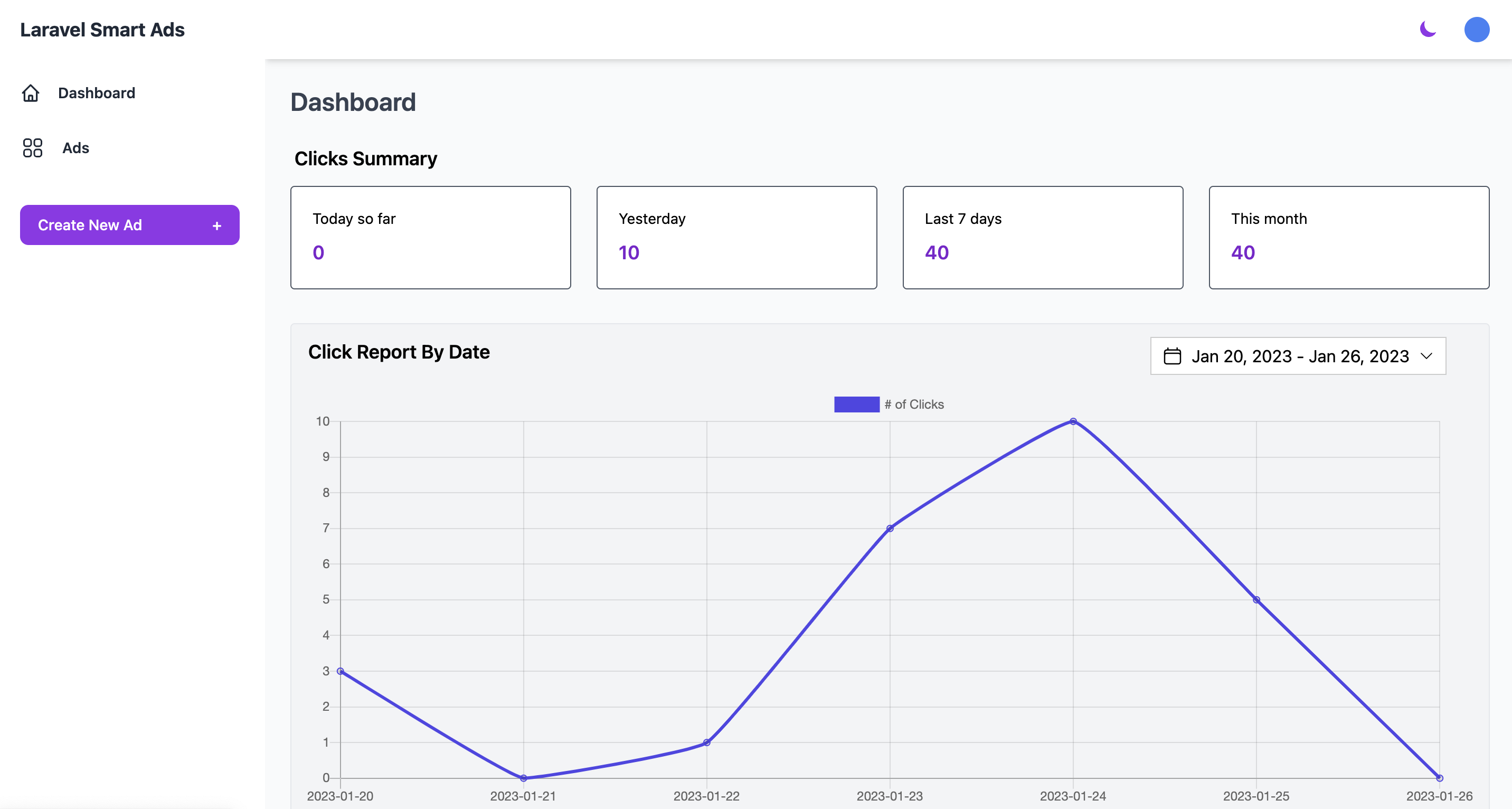
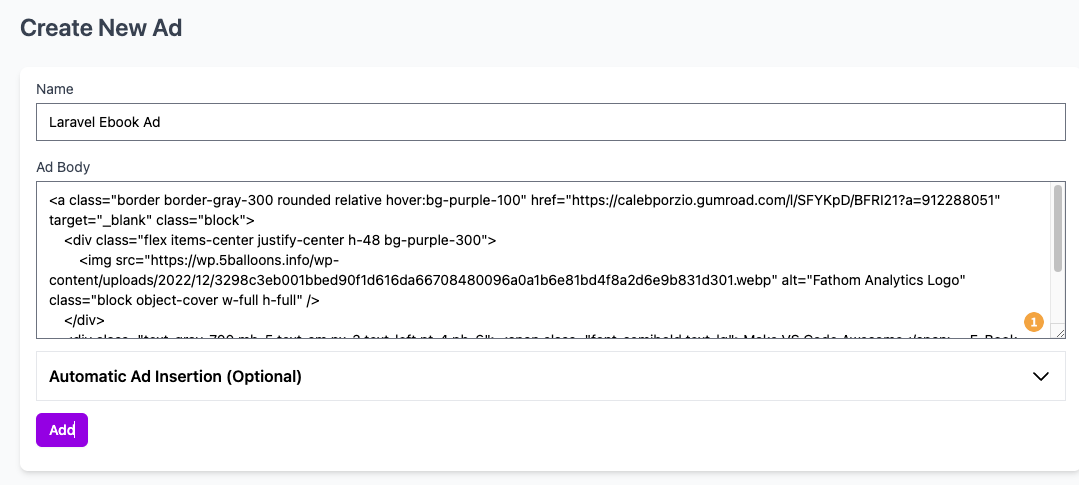
Creating Ads
You can create a new ad by navigating to smart-ad-manager/ads/create page and then providing a valid name and HTML body of the Ad.
Placing Ads
In order to place the ads and track clicks you must place the following JS in your header (typically this would go in your blade layout file)
<script src="{{ asset('vendor/smart-ads/js/smart-banner.min.js') }}"></script>
There are two ways in which you can place ads / banners in your application
(Manual Placement)
To manually place an ad you can copy the blade component code from the view ad page and place it at desired location in your blade file. For example an ad with the slug of your-example-ad can be placed with the following code.
<x-smart-ad-component slug="your-example-ad"/>
(Auto Placement)
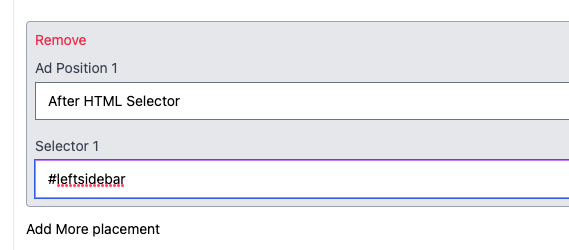
You can choose to auto place at the ads at the desired locations on the website by providing the CSS selector where you are looking to place the ad and choosing the position (Before selector, After selector, inside selector etc. to place the ad)
Tracking Clicks
Tracking clicks is enabled by default and in order for it to work you must include a global meta csrf token in your blade template file, inside the head element of your HTML.
<meta name="csrf-token" content="{{ csrf_token() }}">
Testing
composer test Changelog
Please see CHANGELOG for more information what has changed recently.
Contributing
Please see CONTRIBUTING for details.
Security
If you discover any security related issues, please email tushar@5balloons.info instead of using the issue tracker.
Credits
License
The MIT License (MIT). Please see License File for more information.
统计信息
- 总下载量: 7.71k
- 月度下载量: 0
- 日度下载量: 0
- 收藏数: 314
- 点击次数: 5
- 依赖项目数: 0
- 推荐数: 0
其他信息
- 授权协议: MIT
- 更新时间: 2026-01-04