cecil/links
最新稳定版本:4.4.1
Composer 安装命令:
composer create-project cecil/links
包简介
Links is a Linktree alternative powered by Cecil, Tailwind CSS and Font Awesome.
README 文档
README
Links is an open source Linktree alternative powered by Cecil, Tailwind CSS and Font Awesome.
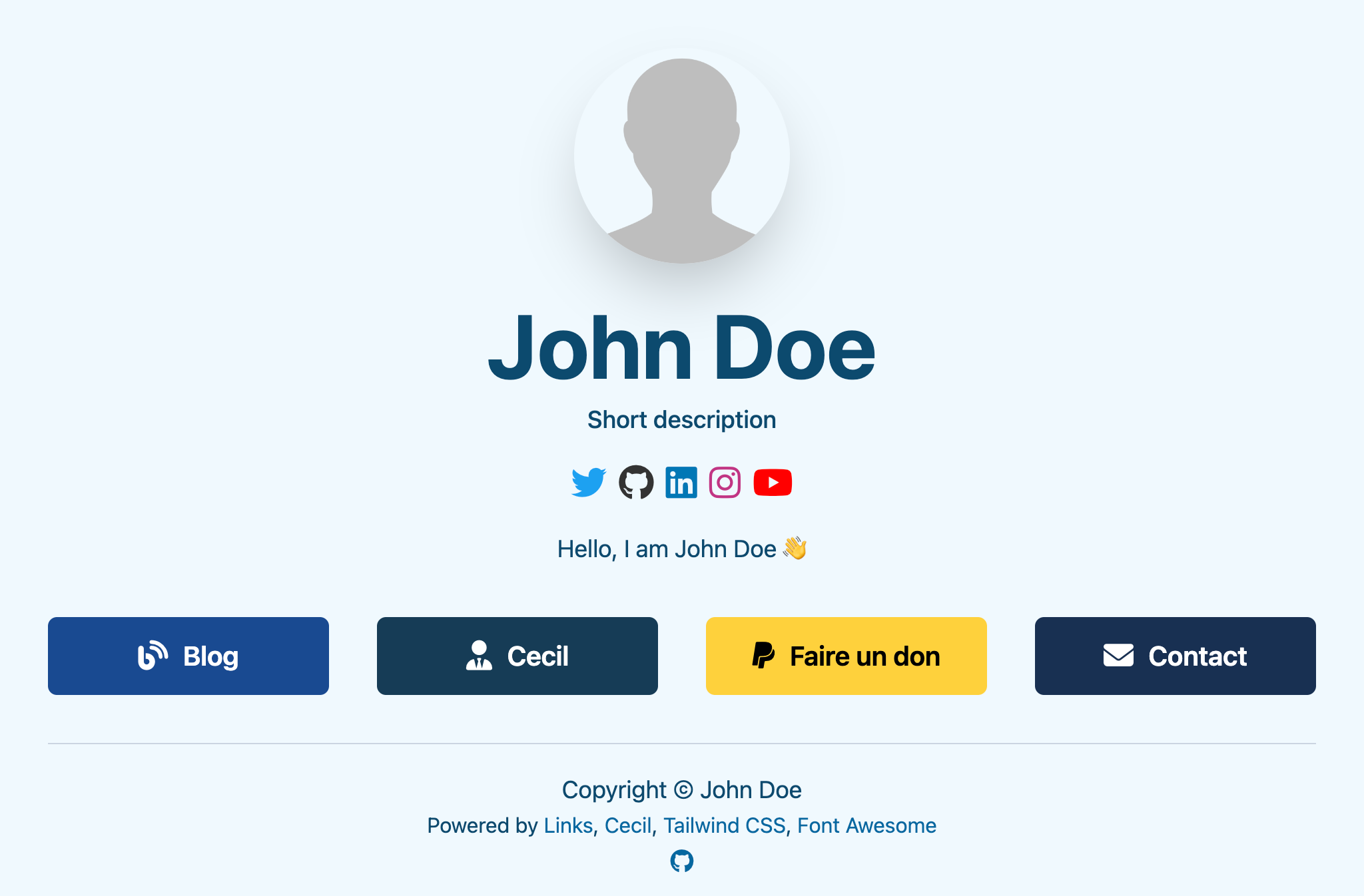
Demo: https://cecil-links-demo.netlify.app
Install
Important
PHP 8.1 and Composer are required.
The easiest way to create a new Links project is using Composer:
composer create-project cecil/links --ask
Usage
Preview
You can easily preview your site locally with the following command:
php cecil.phar serve --open
Tip
The option --open automatically open your site in the default web browser.
Configuration
Define site configuration and social identities in cecil.yml:
title: <main title>
baseurl: <site URL, with a final backslash>
baseline: "<short presentation>" # optional, recommended
description: "<SEO description>" # optional, recommended
author: # used by metatags, optional
  name: <author name>
  url: <url>
  email: <email> # used in social identities block, optional
social: # social identities
  <name>: # github, linkedin, instagram, youtube, mastodon, bluesky, threads, twitter or x
    url: <url>
avatar: avatar.png
image: avatar.png # Open Graph image, optional, recommended
manifest:
  background_color: "#fff" # PWA background color
  theme_color: "#0369a1"   # theme color
serviceworker:
  enabled: false           # turns on PWA
# buttons color
links:
  buttons:
    color: page # page or css ('page' by default)
Tip
The exhaustive Cecil documentation is available at cecil.app.
Manage page
From pages/index.md file you can:
- change page structure with blocks array in front matter
- add links in front matter
- add rich content authoring in Markdown in page body (optional)
---
blocks:
  - name: content # page content
  - name: links   # page links
  - name: social  # social identities
links:
  - title: <title>
    url: <url>
    color: "<#hexa_code>" # hexadecimal color code, optional (e.g. "#1DA1F2")
    icon: <style>:<name> # Font Awesome icon (https://fontawesome.com/icons), optional (e.g. "brands:github")
---
Content here.
Publish
Run the following command:
php cecil.phar build
Then just deploy the content of _site directory to your web hosting solution.
Customize
Buttons color
You can disable page's buttons color and use CSS color instead:
cecil.yml:
links:
  buttons:
    color: css
CSS theme
You can customize theme through the file ./assets/tailwind.css, then rebuild CSS:
npm run css:build
Tailwind CSS is required.
Update
If you want to update the links theme and component themes (i.e.: fontawesome, pwa and netlity) you must run the following command:
composer update
License
Links is a free software distributed under the terms of the MIT license.
统计信息
- 总下载量: 80
- 月度下载量: 0
- 日度下载量: 0
- 收藏数: 17
- 点击次数: 1
- 依赖项目数: 0
- 推荐数: 0
其他信息
- 授权协议: MIT
- 更新时间: 2024-01-04