christianberkman/imagick-text-box
最新稳定版本:v1.2
Composer 安装命令:
composer require christianberkman/imagick-text-box
包简介
Add a simple text box to an image using PHP's Imagick Library
README 文档
README
Add a simple text box to an image using PHP's Imagick Library
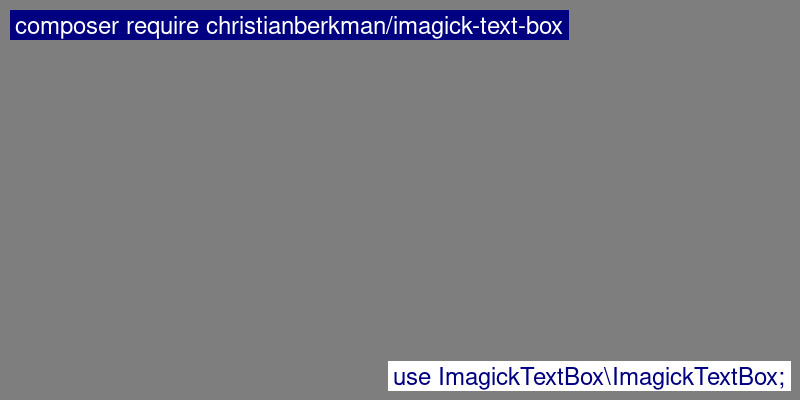
Installation
Composer:
composer install christianberkman/imagick-text-box
Usage
use \Imagick;
use ImagickTextBox\ImagickTextBox;

$image = new Imagick()->readImage('your-image.php');
$textBox = new ImagickTextBox($image);
$textBox->string = 'Hello World';
$textBox->draw(Imagick::GRAVITY_NORTHWEST);
Also see example.php with a more detailed example of usage.
Public methods
void __construct(Imagick $image)Construct the class and initialize ImagickDraw objectsvoid draw(int $gravity = Imagick::GRAVITY_SOUTHEST)draw the textbox on theImagick $imageobjectbool textFits()Returns if the text fits on the given image
Public Properties
Imagick Objects
All these objects are fully accessible and can be manipulated to set desired fill color, font size, etc.
Imagick $imageYour image objectImagickDraw $textText object, initialized by ImagickTextBoxImagickDraw $boxBox object, initializes by ImagickTextBox
Configuration
string $string = 'Hello World'The string of text to printint $margin_x = 10Margin (px) from the side (does not apply to north, south, center)int $margin_y = 10Margin (px) from the top/bottom (does not apply to west, east, center)int $padding = 5Padding (px) of text inside text boxint $gravity = Imagick::GRAVITY_SOUTHWESTImagick Gravity Constantfloat $heightFactor = 0.6Height factor to use. By using the default font, a factor of 1 produces a text box with a lot of vertical whitespace, 0.6 seems to do the trick.
统计信息
- 总下载量: 13
- 月度下载量: 0
- 日度下载量: 0
- 收藏数: 0
- 点击次数: 2
- 依赖项目数: 0
- 推荐数: 0
其他信息
- 授权协议: MIT
- 更新时间: 2024-06-04