codewithdennis/filament-simple-map
最新稳定版本:v3.1.0
Composer 安装命令:
composer require codewithdennis/filament-simple-map
包简介
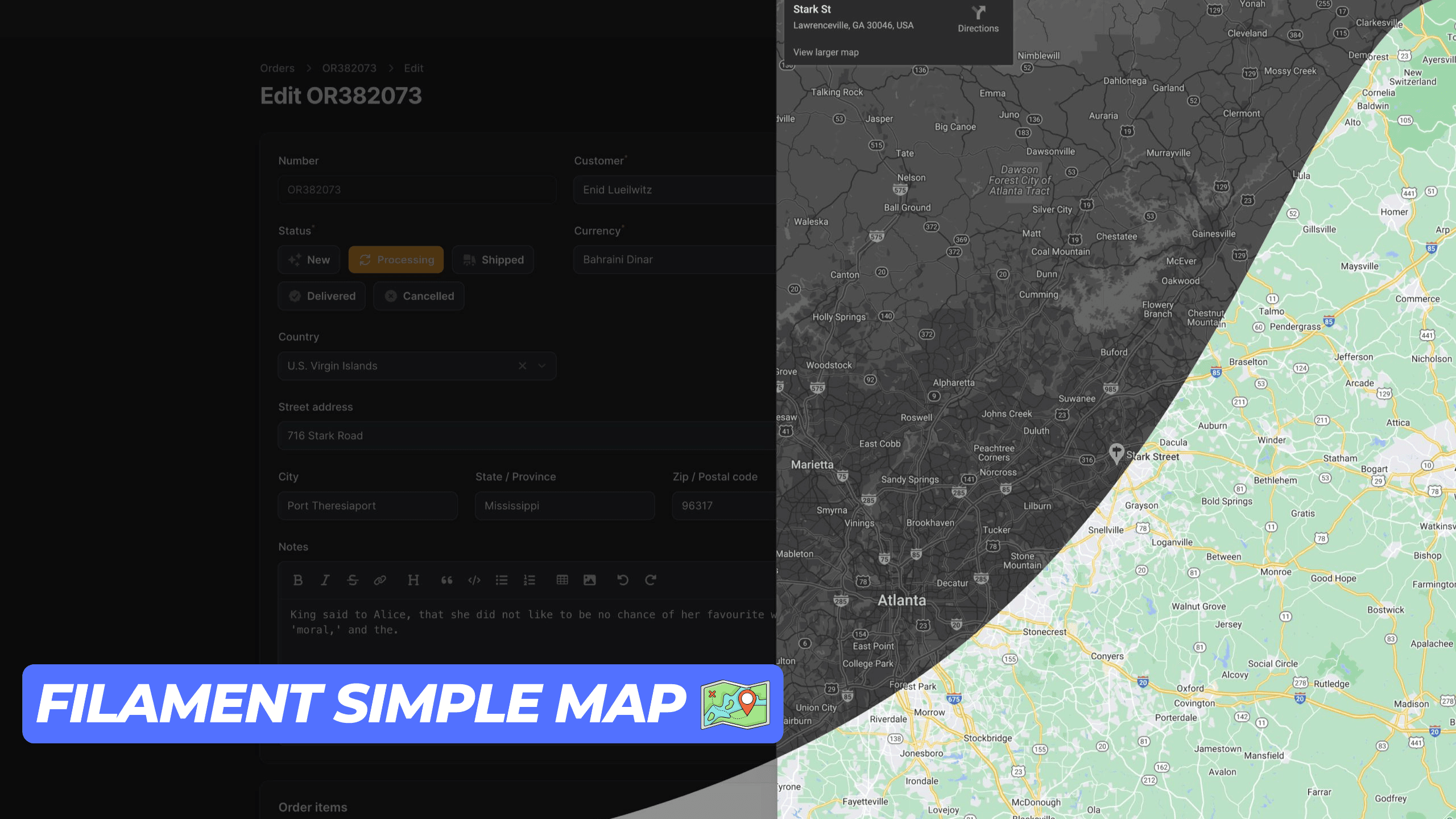
This package offers a straightforward and easy-to-use map action component for your Filament application.
关键字:
README 文档
README
This package provides a simple and user-friendly map display action component for your Filament application. It utilizes an iframe to render the map, ensuring seamless integration. Ensure you have a Google Maps API key to use this package.
Installation
You can install the package via composer:
composer require codewithdennis/filament-simple-map
You can publish the config file with:
php artisan vendor:publish --tag="filament-simple-map-config" This is the contents of the published config file:
return [ 'google_maps_embed_api_key' => env('GOOGLE_MAPS_EMBED_API_KEY'), ];
Usage
This package supports the following Google Maps modes place, view, streetview, search and directions. The default mode is place. You can use it for Table Actions, Infolists, Forms, and regular actions. Just make sure you import the right component.
Place
Methods that are available with the default place mode.
Defines map marker location.
->address('City Hall, New York, NY')
Defines center of the map view.
->center('37.4218,-122.0840')
Sets initial zoom level of the map.
->zoom(10) // 0 to 21
Sets the map to satellite view. (default: roadmap)
->satellite() Defines the language to use for UI elements and for the display of labels on map tiles.
->language('en')
Defines the appropriate borders and labels to display, based on geopolitical sensitivities.
->region('en')
Here is an example of how to use the place mode.
Forms\Components\TextInput::make('address') ->required() ->maxLength(255) ->suffixAction( SimpleMap::make('showMap') ->icon('heroicon-o-map') ->address('City Hall, New York, NY') ->center('37.4218,-122.0840') ->zoom(10) ->satellite() ->language('en') ->region('US'), ),
View
To use the view mode, you need to call the viewing method.
Sets the map to viewing mode.
->viewing() Defines center of the map view.
->center('-33.8569,151.2152')
Sets initial zoom level of the map.
->zoom(10) // 0 to 21
Sets the map to satellite view. (default: roadmap)
->satellite() Here is an example of how to use the view mode.
Forms\Components\TextInput::make('address') ->required() ->maxLength(255) ->suffixAction( SimpleMap::make('showMap') ->viewing() ->center('-33.8569,151.2152') ->zoom(10) ->satellite() ),
Directions
To use the directions mode, you need to call the directions method.
Defines the starting point for calculating directions.
->origin('Amsterdam, Netherlands')
Defines the destination point for calculating directions.
->destination('Rotterdam, Netherlands')
Specifies one or more intermediary places to route directions between the origin and destination.
->waypoints([ 'Utrecht, Netherlands', 'Den Haag, Netherlands' ])
Specifies features to avoid in directions. Note that this doesn't preclude routes that include the restricted feature(s); it biases the result to more favorable routes.
->avoid([ 'tolls', 'highways', 'ferries' ])
Sets the mode of transport to flying.
->flying() Sets the mode of transport to walking.
->walking() Sets the mode of transport to bicycling.
->bicycling() Sets the mode of transport to transit.
->transit() Sets the mode of transport to driving.
->driving() Sets the unit system to imperial. (default: metric)
->imperial() Defines center of the map view.
->center('52.3676,4.9041')
Sets the map to satellite view. (default: roadmap)
->satellite() Defines the language to use for UI elements and for the display of labels on map tiles.
->language('nl')
Defines the appropriate borders and labels to display, based on geopolitical sensitivities.
->region('nl')
Here is an example of how to use the directions mode.
Forms\Components\TextInput::make('address') ->required() ->maxLength(255) ->suffixAction( SimpleMap::make('showMap') ->directions() ->origin('Amsterdam, Netherlands') ->destination('Rotterdam, Netherlands') ->walking() ->imperial() ->satellite() ->language('nl') ),
Streetview
To use the streetview mode, you need to call the streetview method.
Defines the location to display street view.
->location('52.3676,4.9041')
Indicates the compass heading of the camera in degrees clockwise from North.
->heading(0) // -180 to 360
Specifies the angle, up or down, of the camera.
->pitch(0) // -90 to 90
Determines the horizontal field of view of the image.
->fov(100) // 10 to 100
Defines center of the map view.
->center('52.3676,4.9041')
Sets initial zoom level of the map.
->zoom(10) // 0 to 21
Defines the language to use for UI elements and for the display of labels on map tiles.
->language('nl')
Defines the appropriate borders and labels to display, based on geopolitical sensitivities.
->region('nl')
Search
To use the search mode, you need to call the search method.
Defines the search term.
->query('restaurants near Amsterdam, Netherlands')
Defines center of the map view.
->center('52.3676,4.9041')
Sets initial zoom level of the map.
->zoom(10) // 0 to 21
Sets the map to satellite view. (default: roadmap)
->satellite() Defines the language to use for UI elements and for the display of labels on map tiles.
->language('nl')
Defines the appropriate borders and labels to display, based on geopolitical sensitivities.
->region('nl')
Here is an example of how to use the search mode.
Forms\Components\TextInput::make('address') ->required() ->maxLength(255) ->suffixAction( SimpleMap::make() ->search() ->query('restaurants near Amsterdam, Netherlands') ->center('52.3676,4.9041') ->zoom(10) ),
Contributing
Please see CONTRIBUTING for details.
Credits
License
The MIT License (MIT). Please see License File for more information.
统计信息
- 总下载量: 4.8k
- 月度下载量: 0
- 日度下载量: 0
- 收藏数: 36
- 点击次数: 7
- 依赖项目数: 0
- 推荐数: 0
其他信息
- 授权协议: MIT
- 更新时间: 2026-01-04