d3/oxid-sql-logger
最新稳定版本:2.1.0
Composer 安装命令:
composer require d3/oxid-sql-logger
包简介
Returns all SQL queries in the browser.
README 文档
README
Returns all SQL queries into console of a Browser.
Install
composer require --dev d3/oxid-sql-logger
Usage
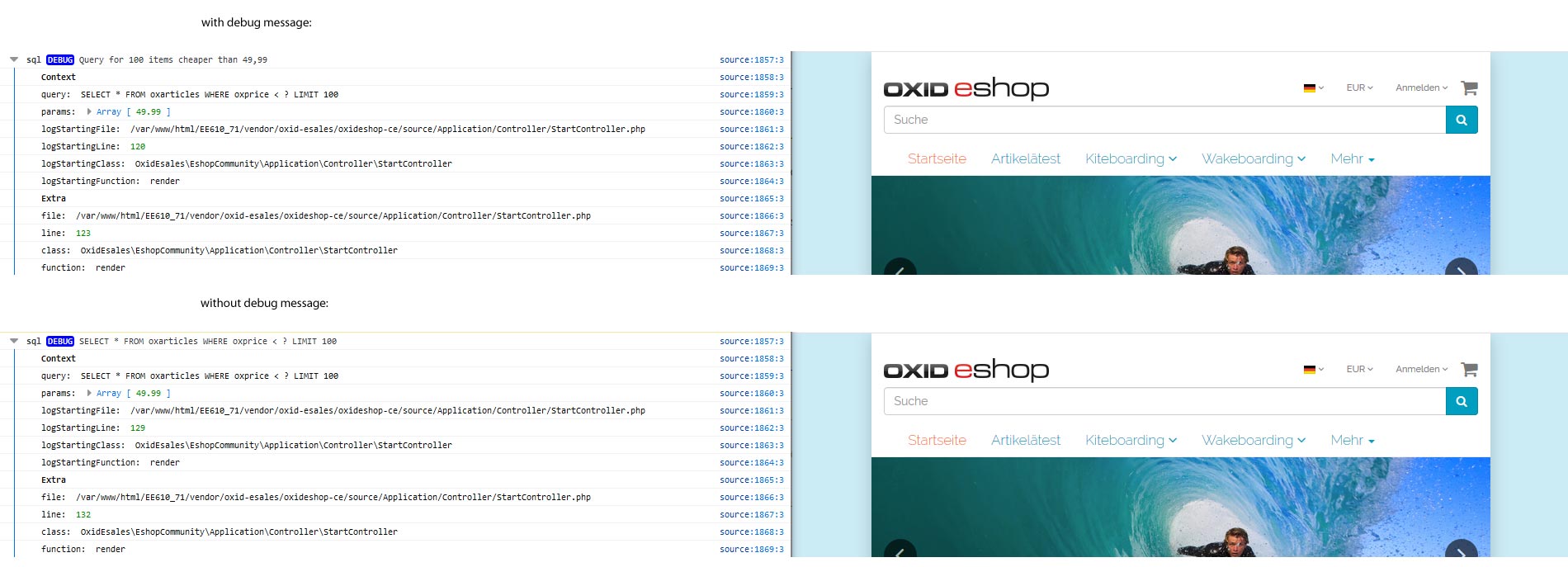
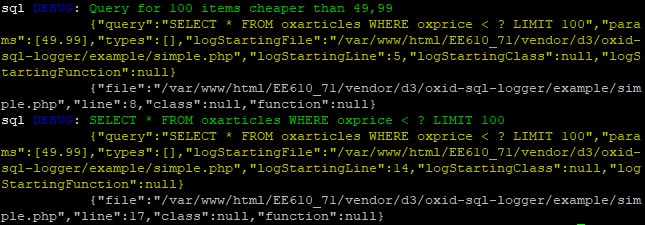
Just set the function D3StartSQLLog() somewhere and from that point on all SQLs will be logged.
\D3StartSQLLog('specific log message');

$db = \OxidEsales\Eshop\Core\DatabaseProvider::getDb(\OxidEsales\Eshop\Core\DatabaseProvider::FETCH_MODE_ASSOC);
$list = $db->getAll('SELECT * FROM oxarticles WHERE oxprice < ? LIMIT 100', [49.99]);

\D3StopSQLLog();
Screenshots
Browser:
CLI:
Configuration
Add the sections to the config.inc.php of the shop if needed:
$this->SqlLoggerGUIHandlers = [
    \Monolog\Handler\BrowserConsoleHandler::class,
    \D3\OxidSqlLogger\Handler\d3FirePHPHandler::class
];
Standard handlers are BrowserConsoleHandler and d3FirePHPHandler.
$this->SqlLoggerCLIHandlers = [
    ...
];
Standard handler is StreamHandler.
$this->d3FirePHPOptions = [
    \D3\OxidSqlLogger\Handler\d3FirePHPHandler::ADD_TRACE
];
Credits
Many thanks to Tobias Matthaiou for his inspiration.
统计信息
- 总下载量: 11.94k
- 月度下载量: 0
- 日度下载量: 0
- 收藏数: 1
- 点击次数: 4
- 依赖项目数: 2
- 推荐数: 1
其他信息
- 授权协议: GPL-3.0
- 更新时间: 2019-09-19