dmitrybubyakin/nova-medialibrary-field
最新稳定版本:5.0.1
Composer 安装命令:
composer require dmitrybubyakin/nova-medialibrary-field
包简介
Laravel Nova field for managing the Spatie media library.
README 文档
README
Laravel Nova field for managing the Spatie media library.
This is the documentation for v2 and v3. For v1 follow this link
Features:
- add media on update/create views
- add existing media
- crop media
- sort media
- display on the index view
Table of Contents
- Screenshots
- Installation
- Usage
- Translations
- Changelog
- Alternatives
- License
Screenshots
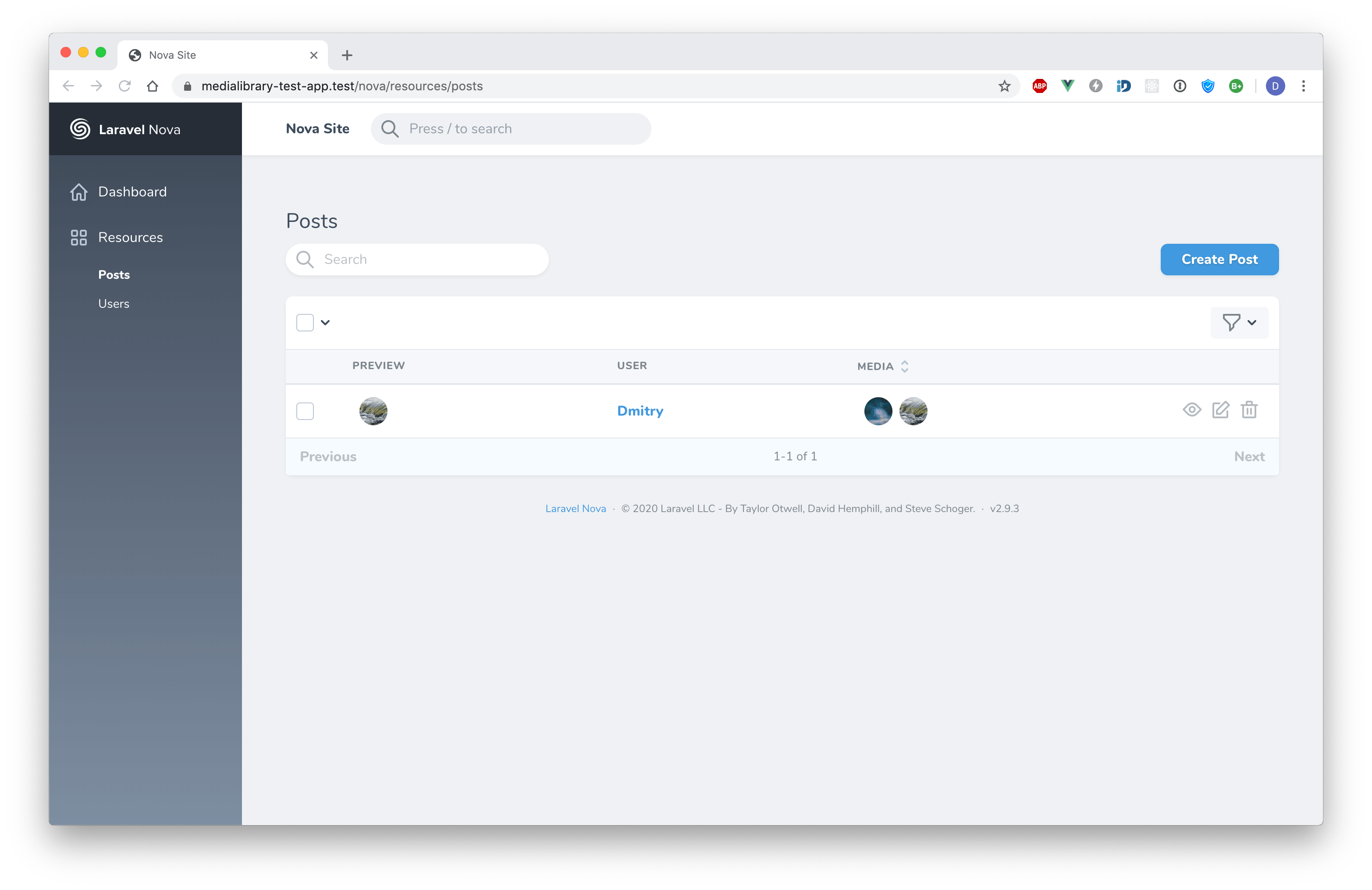
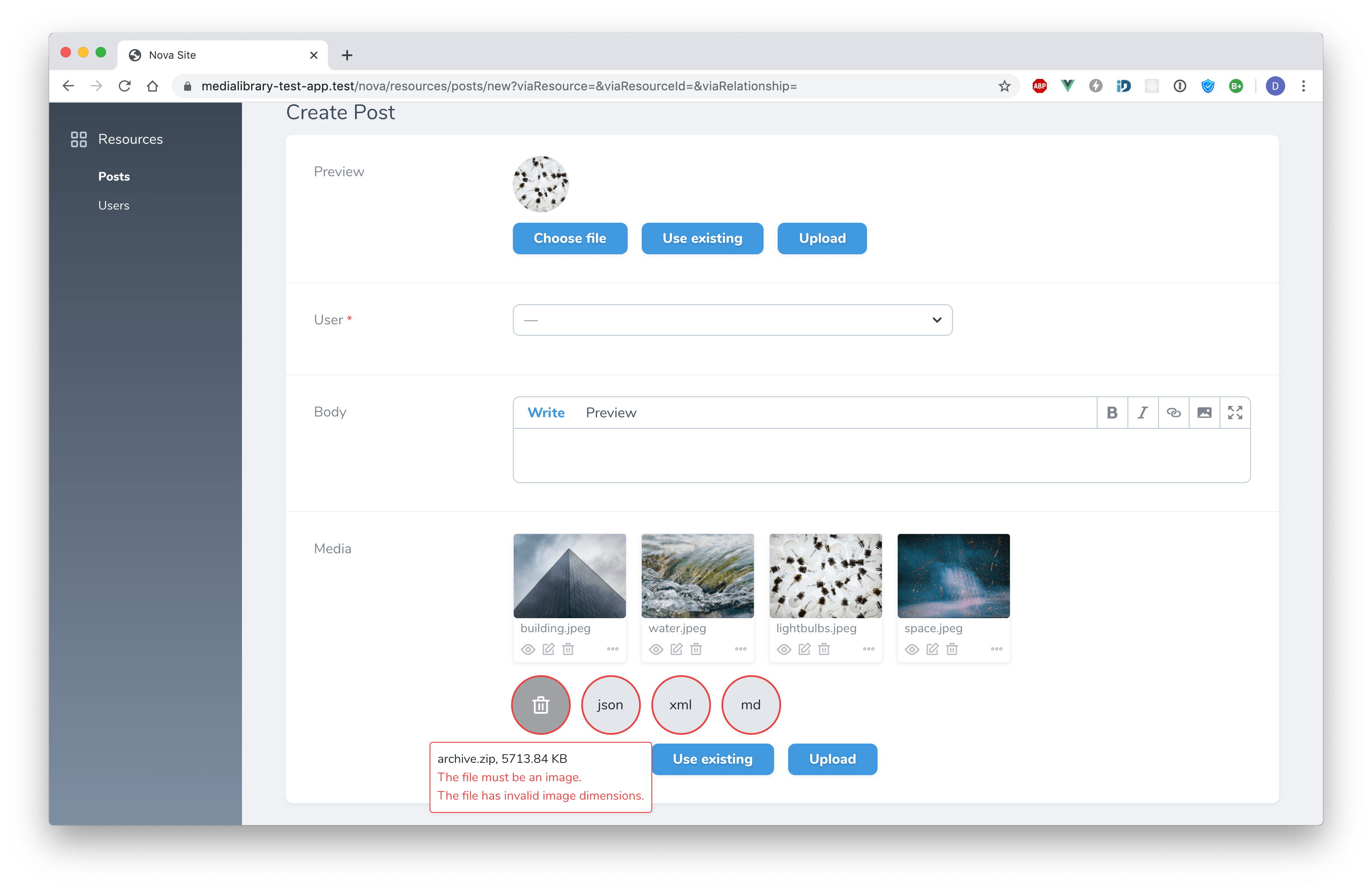
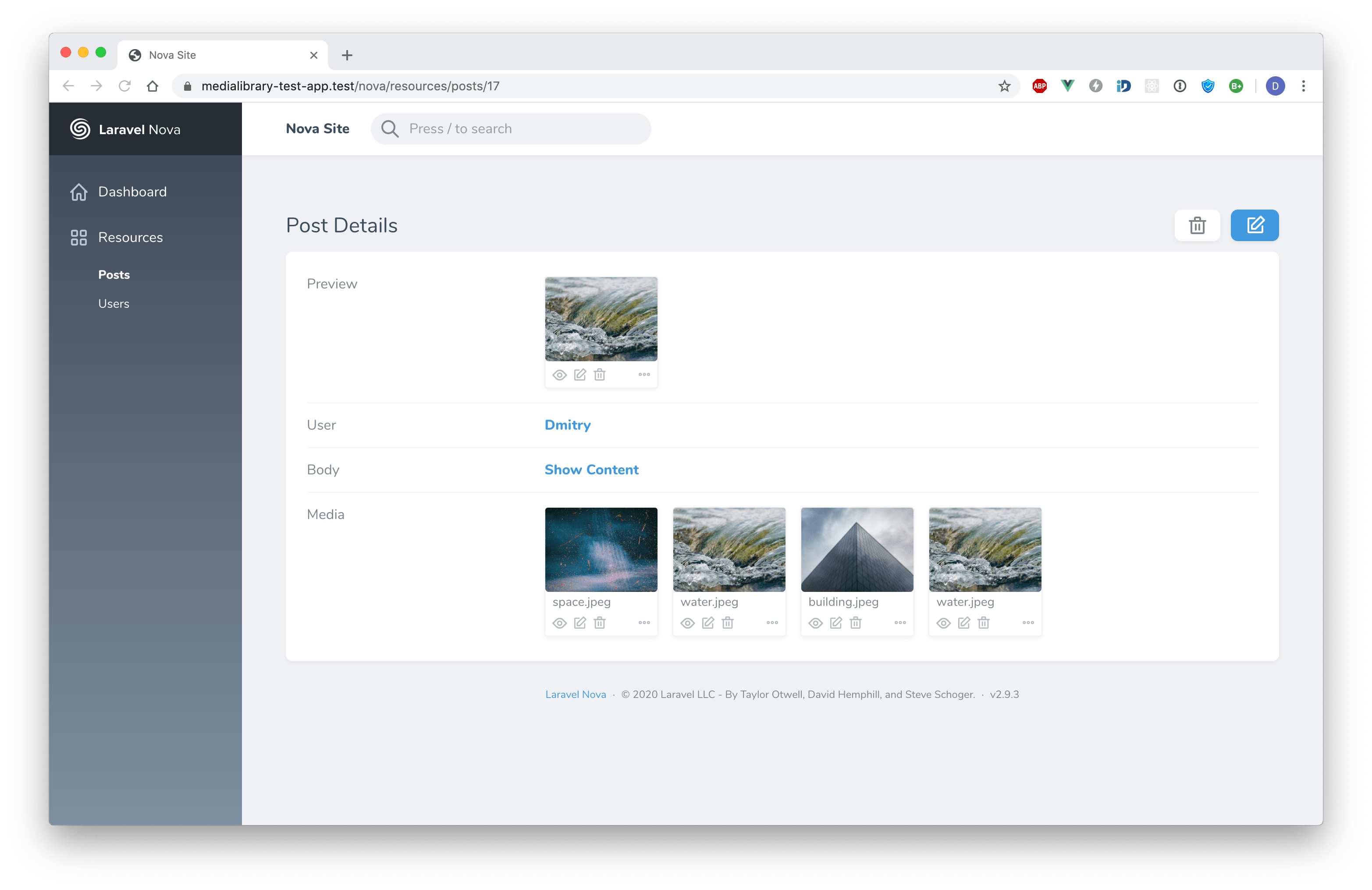
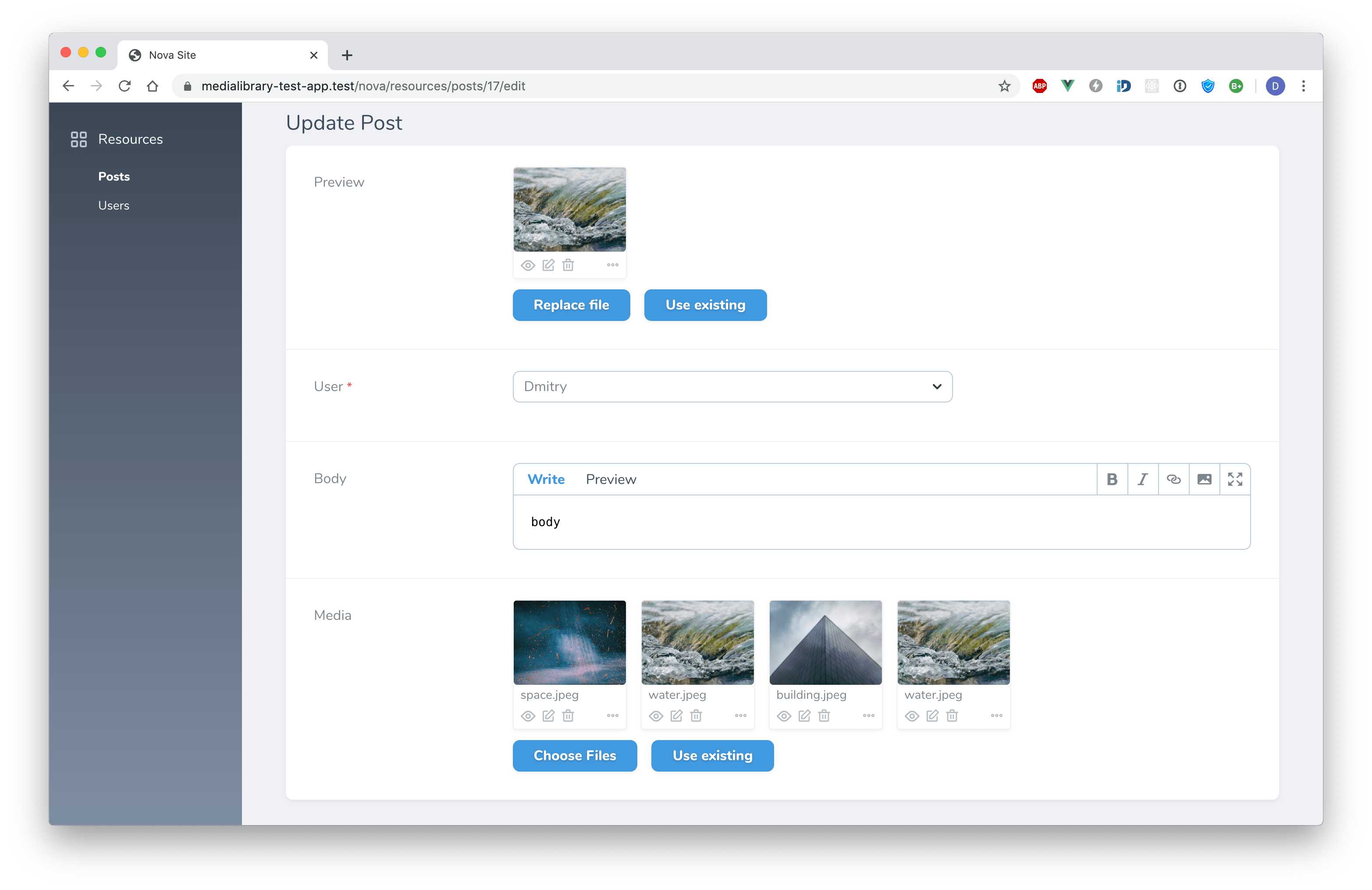
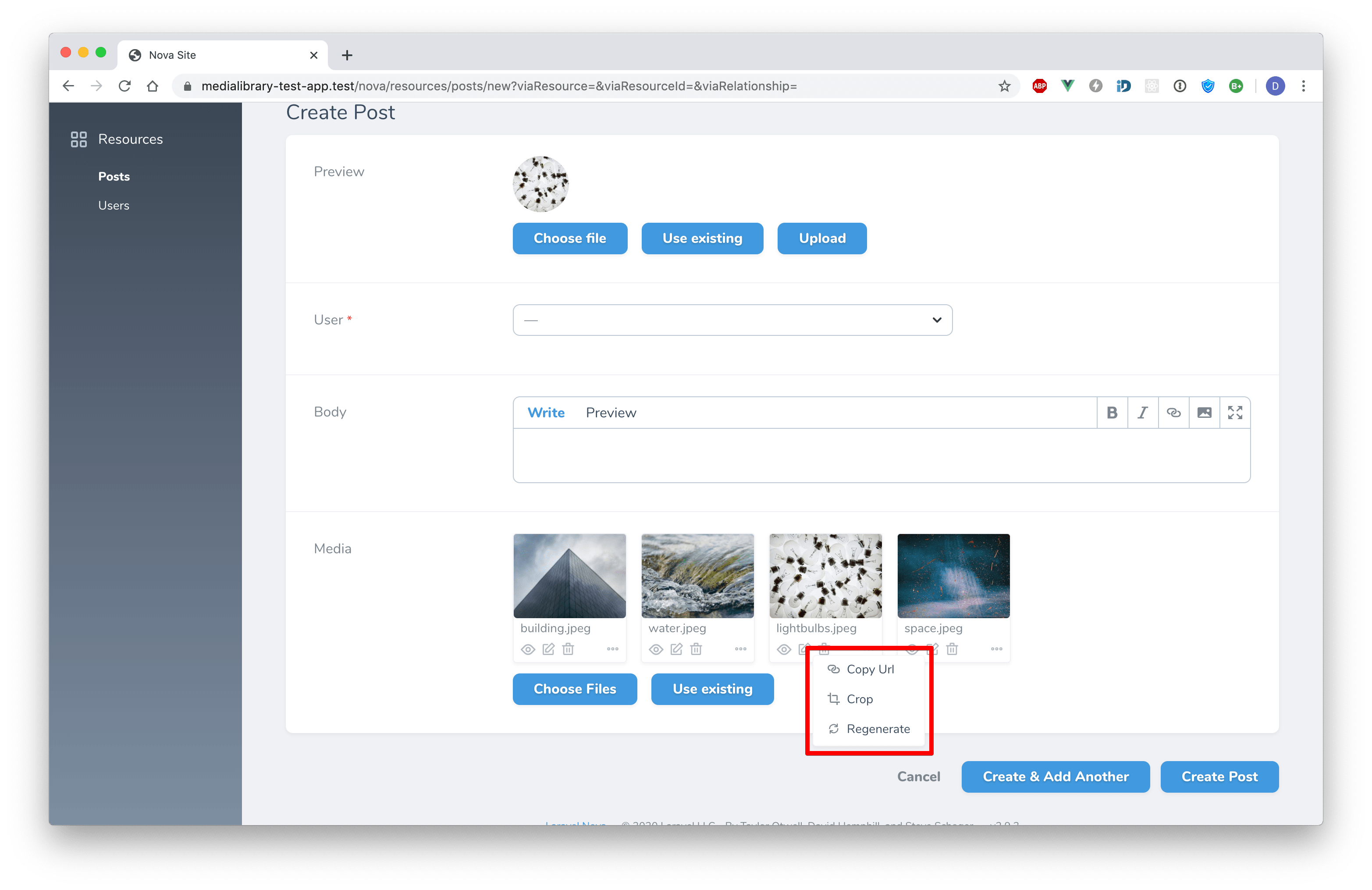
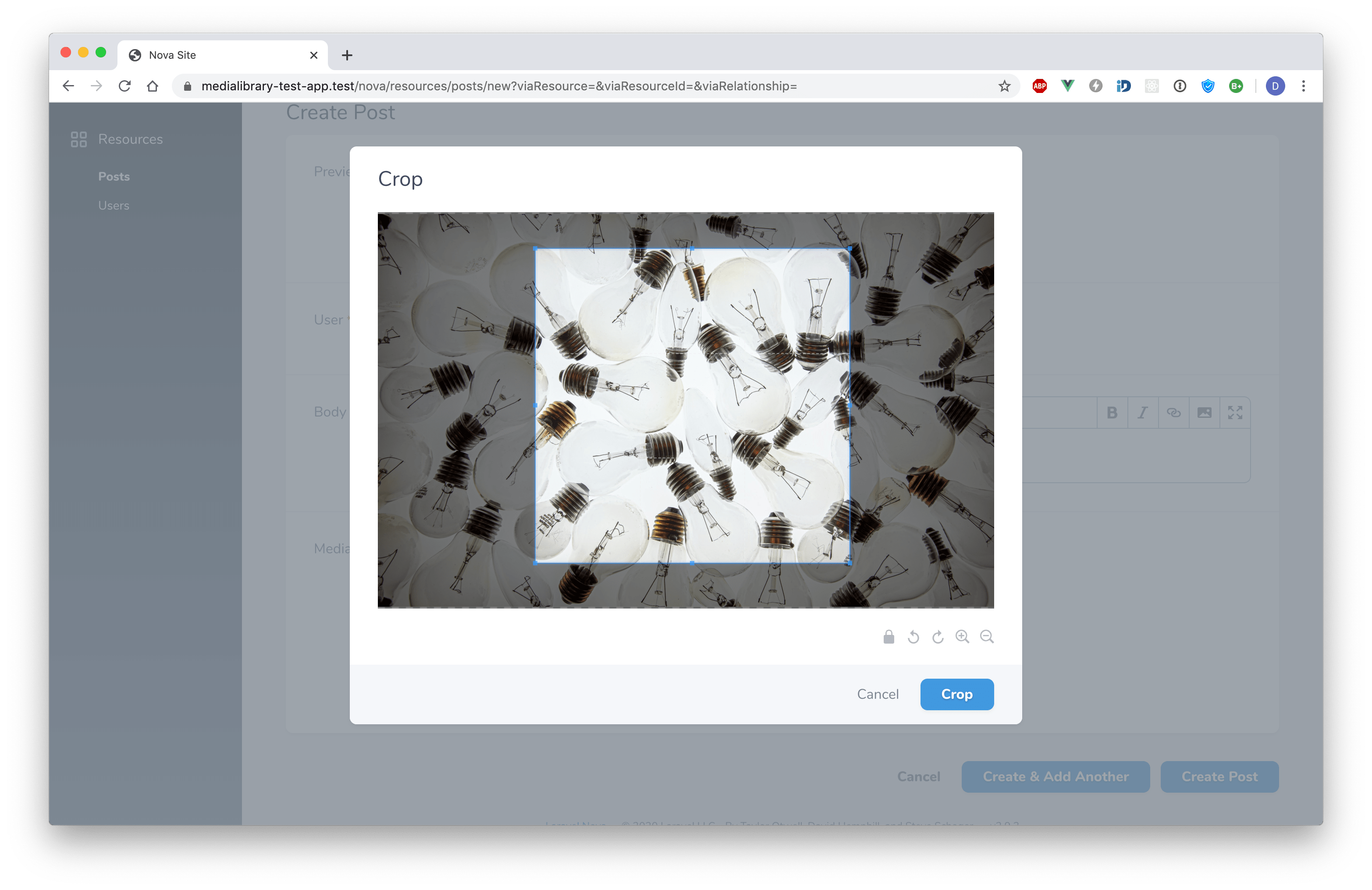
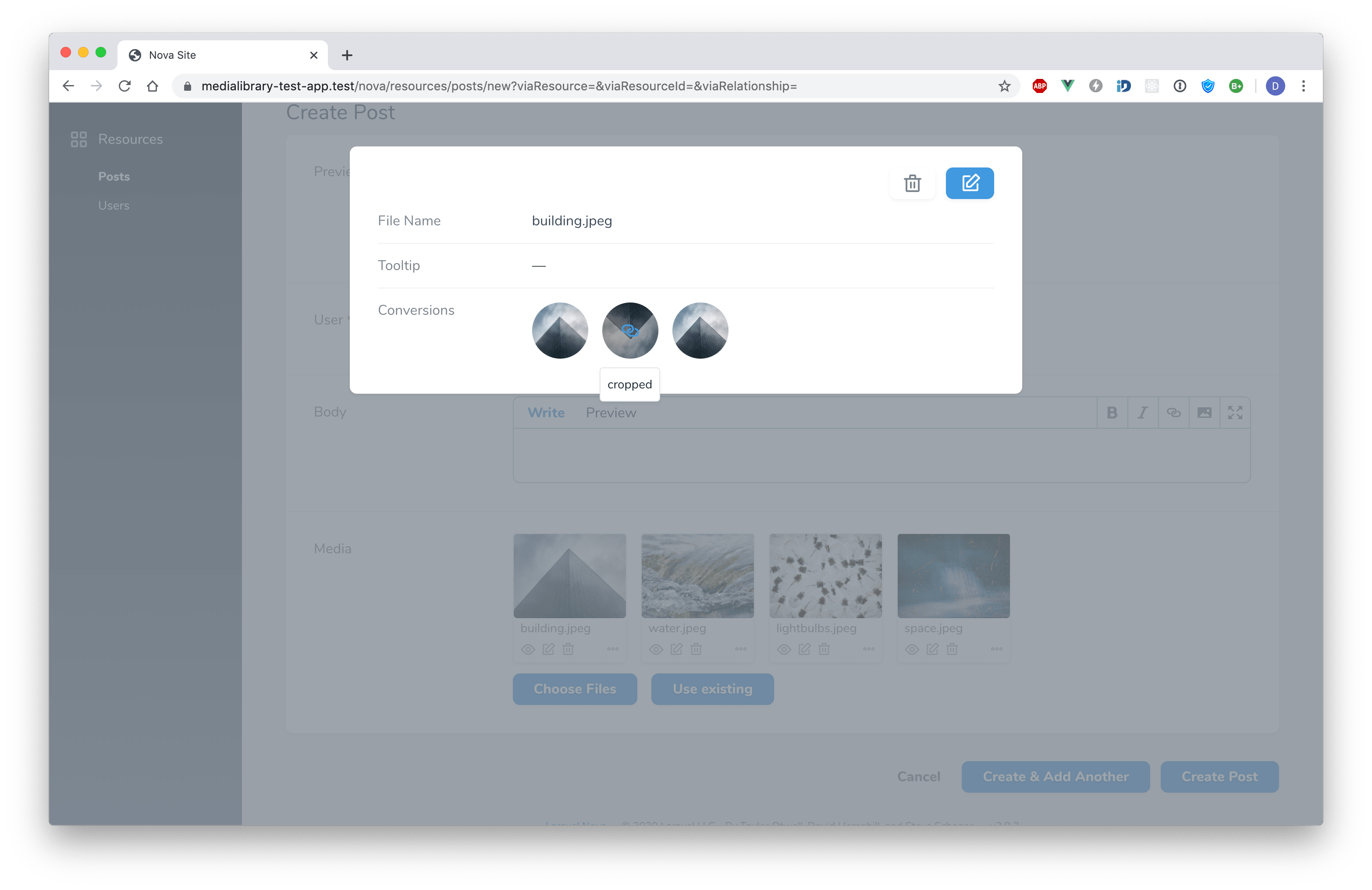
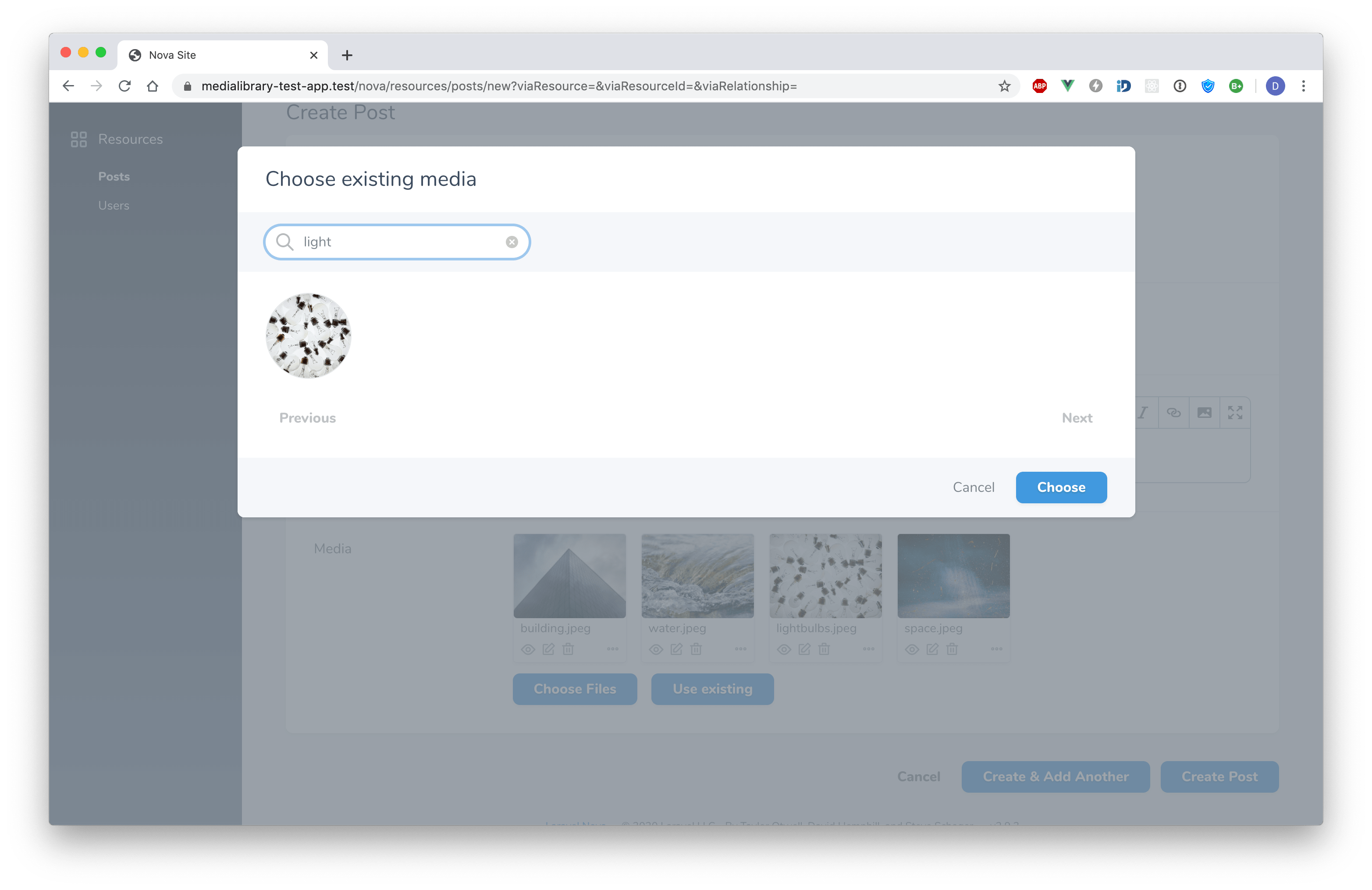
Installation
This package can be installed via command:
composer require dmitrybubyakin/nova-medialibrary-field
Usage
Medialibrary::make($name, $collectionName = '', $diskName = '', $attribute = null),
Methods
Attribute
Sometimes you may need to use the same field label (duplicated sections, etc). The attribute must be unique. In this case you can change the default behaviour using the attribute() method.
Medialibrary::make('name', 'collection name', 'disk name', 'custom_attribute');
// or
Medialibrary::make('name', 'collection name', 'disk name')->attribute('custom_attribute');
Fields
Define custom fields for media. MediaFields is used by default.
Medialibrary::make('Media')->fields(function () {
    return [
        Text::make('File Name', 'file_name')
            ->rules('required', 'min:2'),

        Text::make('Tooltip', 'custom_properties->tooltip')
            ->rules('required', 'min:2'),

        GeneratedConversions::make('Conversions')
            ->withTooltips(),
    ];
});
ResolveMediaUsing
Medialibrary::make('Media')->resolveMediaUsing(function (HasMedia $model, string $collectionName) {
    return $model->getMedia($collectionName);
});
AttachUsing
Called inside AttachController. AttachCallback is used by default.
It accepts $fieldUuid which is used when a resource is not created.
If you want to attach media on the create view, you should keep these lines in your callback.
Medialibrary::make('Media')
    ->attachUsing(function (HasMedia $model, UploadedFile $file, string $collectionName, string $diskName, string $fieldUuid) {
        if ($model instanceof TransientModel) {
            $collectionName = $fieldUuid;
        }

        $fileAdder = $model->addMedia($file);

        // do something

        $fileAdder->toMediaCollection($collectionName, $diskName);
    });
AttachExisting
Allow attaching existing media.
Medialibrary::make('Media')->attachExisting(); // display all media
Medialibrary::make('Media')->attachExisting('collectionName'); // display media from a specific collection
Medialibrary::make('Media')->attachExisting(function (Builder $query, Request $request, HasMedia $model) {
    $query->where(...);
});
MediaOnIndex
Display media on index
Medialibrary::make('Media')->mediaOnIndex(1);
Medialibrary::make('Media')->mediaOnIndex(function (HasMedia $resource, string $collectionName) {
    return $resource->media()->where('collection_name', $collectionName)->limit(5)->get();
});
DownloadUsing
Medialibrary::make('Media')->downloadUsing('conversionName');
Medialibrary::make('Media')->downloadUsing(function (Media $media) {
    return $media->getFullUrl();
});
PreviewUsing
Medialibrary::make('Media')->previewUsing('conversionName');
Medialibrary::make('Media')->previewUsing(function (Media $media) {
    return $media->getFullUrl('preview');
});
Tooltip
Medialibrary::make('Media')->tooltip('file_name');
Medialibrary::make('Media')->tooltip(function (Media $media) {
    return $media->getCustomProperty('tooltip');
});
Title
Medialibrary::make('Media')->title('name');
Medialibrary::make('Media')->title(function (Media $media) {
    return $media->name;
});
CopyAs
Medialibrary::make('Media')->copyAs('Url', function (Media $media) {
    return $media->getFullUrl();
});

Medialibrary::make('Media')->copyAs('Html', function (Media $media) {
    return $media->img();
}, 'custom-icon');

// You can hide default "Copy Url"
Medialibrary::make('Media')->hideCopyUrlAction();
Croppable
https://github.com/fengyuanchen/cropperjs#options
Medialibrary::make('Media')->croppable('conversionName');
Medialibrary::make('Media')->croppable('conversionName', ['viewMode' => 3]);
Medialibrary::make('Media')->croppable('conversionName', [
    'rotatable' => false,
    'zoomable' => false,
    'cropBoxResizable' => false,
]);
Medialibrary::make('Media')->croppable('conversionName', function (Media $media) {
    return $media->getCustomProperty('croppable') ? ['viewMode' => 3] : null;
});
{note} If your media in different collection, make sure pass your collectionName to
performOnCollections
$this->addMediaConversion('conversionName')->performOnCollections('collectionName')
Single
Medialibrary::make('Media')->single();
Accept
Medialibrary::make('Media')->accept('image/*');
MaxSizeInBytes
Medialibrary::make('Media')->maxSizeInBytes(1024 * 1024);
AttachOnDetails
Allows attaching files on the details view.
Medialibrary::make('Media')->attachOnDetails();
AttachRules
Medialibrary::make('Media')->attachRules('image', 'dimensions:min_width=500,min_height=500');
Autouploading
Medialibrary::make('Media')->autouploading();
Preview Customization
Medialibrary::make('Media')->withMeta([
    'indexPreviewClassList' => 'rounded w-8 h-8 ml-2',
    'detailsPreviewClassList' => 'w-32 h-24 rounded-b',
]);
Validation
Medialibrary::make('Media')
    ->rules('array', 'required') // applied to the media collection
    ->creationRules('min:2') // applied to the media collection
    ->updateRules('max:4') // applied to the media collection
    ->attachRules('image', 'dimensions:min_width=500,min_height=500'); // applied to media
Sorting
Medialibrary::make('Media')->sortable();
Authorization Gates 'view', 'update' and 'delete'
To view, update and delete uploaded media, you need to setup some gates. You can use the store and replace callbacks to store additional information to the custom_properties. The additional information can be used inside the gates for authorization.
Gate::define('view', function ($user, $media) {
    return true; // view granted
});

Gate::define('update', function ($user, $media) {
    return true; // update granted
});

Gate::define('delete', function ($user, $media) {
    return true; // deletion granted
});
You can also use the policy.
class MediaPolicy
{
    public function view(User $user, Media $media): bool
    {
        return true;
    }

    public function update(User $user, Media $media): bool
    {
        return true;
    }

    public function delete(User $user, Media $media): bool
    {
        return true;
    }
}

class AuthServiceProvider extends ServiceProvider
{
    protected $policies = [
        Media::class => MediaPolicy::class,
    ];

    //...
}
Translations
Changelog
Please see the CHANGELOG for more information about the most recent changed.
Alternatives
License
The MIT License (MIT). Please see License File for more information.
统计信息
- 总下载量: 578.91k
- 月度下载量: 0
- 日度下载量: 0
- 收藏数: 268
- 点击次数: 7
- 依赖项目数: 2
- 推荐数: 0
其他信息
- 授权协议: MIT
- 更新时间: 2026-01-04