elic-dev/laravel-site-protection
最新稳定版本:1.2.0
Composer 安装命令:
composer require elic-dev/laravel-site-protection
包简介
Protect your site with a simple password form
README 文档
README
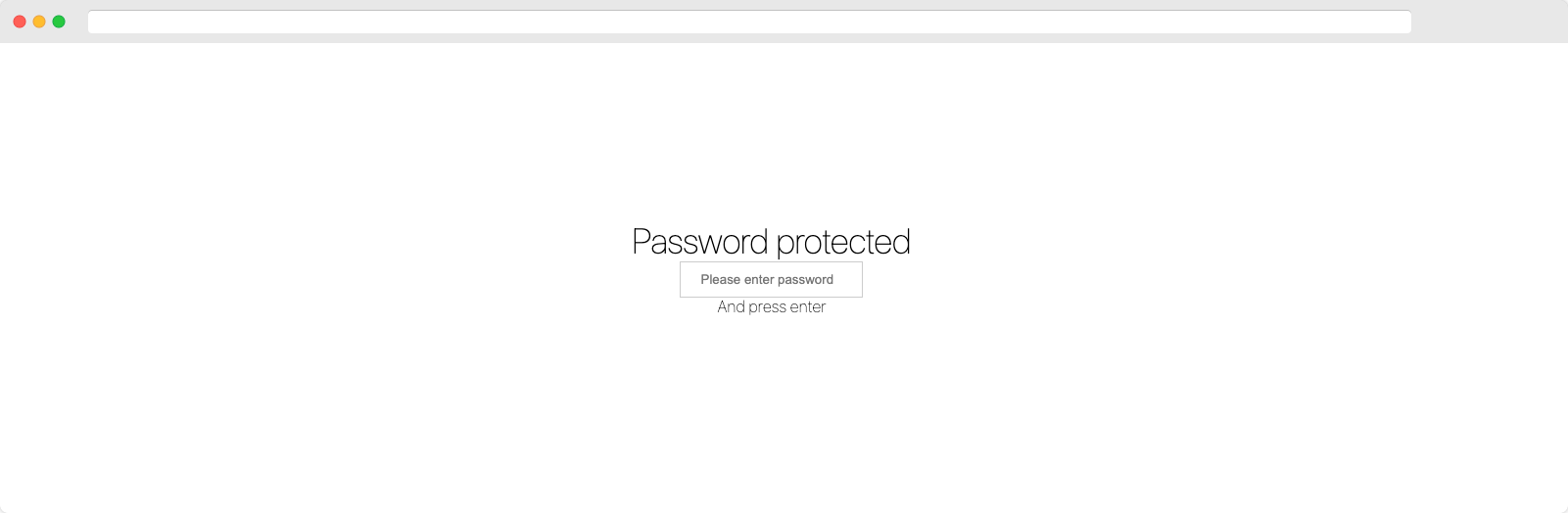
This will add a simple password form in front of your application to protected it
from any access. The password is specified using the .env file to protect DEV
or STAGE sites only.
You can use multiple passwords for different user groups. Once the password is removed, the access is revoked.
This does not protect any assets files like css or images.
Looks like
Installation
composer require elic-dev/laravel-site-protection
Laravel >= 5.2
This package requires at least the Laravel Framework of version 5.2.
Add ServiceProvider to the providers array in app/config/app.php.
ElicDev\SiteProtection\SiteProtectionServiceProvider::class,
Laravel >= 5.5
You don't need to add this package to your app/config/app.php since it supports auto discovery.
Add Middleware (Laravel < 11.0)
Add Middleware to app/Http/Kernel.php or specific routes you want to protect.
protected $middlewareGroups = [
    'web' => [
        ...
        \ElicDev\SiteProtection\Http\Middleware\SiteProtection::class,
    ],
    ...
];
Add Middleware (Laravel >= 11.0)
Edit Middleware at config/app.php and include against the 'web' middleware.
 ->withMiddleware(function (Middleware $middleware) {
        $middleware->appendToGroup('web',\ElicDev\SiteProtection\Http\Middleware\SiteProtection::class);
    })
Configuration
Most configuration can be done using ENV variables by adding the following keys
to your .env file.
Adjusting the passwords
You can use multiple passwords separated by comma.
SITE_PROTECTION_PASSWORDS=password1,password2
To revoke access to your site simply change the password. This requires every user using the old password to re-enter a password.
Exclude certain paths from protection
You can exclude specific paths from protection. Add a comma seperated list of paths to your
.env file. You can use the * to exclude a group of paths.
SITE_PROTECTION_EXCEPT_PATHS=path1,path2,login*
Protect only specific paths
You can protect only some paths. Add a comma seperated list of paths to your
.env file. You can use the * to protect a a group of paths.
SITE_PROTECTION_PROTECTED_ONLY_PATHS=path1,path2,admin*
Set a CSS file uri
You can change the look and feel of the password protection page by adding an uri to your main css file. The css file is appened to the existing css styles to keep basic alignments.
SITE_PROTECTION_CSS_FILE_URI=/assets/app.css
Cookie lifetime
Set the duration for the cookie lifetime in seconds. Default is set to one year.
The following .env value would change it to one week:
SITE_PROTECTION_COOKIE_LIFETIME=604800
Customization
In case you really need to. You can modify the view that handles password entry by publishing the views to your resource folder. This is not recommended and might cause problems on future updates. Try using the uri to a css file first.
Run the following command:
php artisan vendor:publish --provider="ElicDev\SiteProtection\SiteProtectionServiceProvider" --tag=views
You can now make the changes in resources/vendor/views/site-protection/site-protection-form.blade.php.
统计信息
- 总下载量: 248.52k
- 月度下载量: 0
- 日度下载量: 0
- 收藏数: 45
- 点击次数: 6
- 依赖项目数: 0
- 推荐数: 0
其他信息
- 授权协议: MIT
- 更新时间: 2026-01-04