enhance-dev/enhance-wordpress-plugin
最新稳定版本:v0.0.3
Composer 安装命令:
composer require enhance-dev/enhance-wordpress-plugin
包简介
A WordPress plugin that uses the Enhance SSR PHP library to render web components on the server
README 文档
README
This plugin server side renders enhance components for wordpress sites. It is experimental and should probably not be used in production yet.
Two plugins are included:
-
enhance-ssr-wp-plugin.phpserver side render any enhance custom elements in the wordpress site. These can be added in PHP templates, raw HTML blocks in the editor, or as predefined blocks. -
enhance-wp-blocks-plugin.phpdemonstrates wrapping an Enhance component for use in the block editor. This works with the SSR plugin. These blocks are stored in the WP database as HTML (i.e. Hi) and then the SSR plugin will them wherever they are used.
Install Plugin Directly
To add the plugin to a Wordpress project you can clone this repository into a folder in the plugins directory for the project.
All required dependencies are included in the vendor directory with the repository so running composer install should not be required.
Install Plugin with Composer
Composer can also be used to install the plugin to a Wordpress project.
composer require enhance-dev/enhance-wordpress-plugin
Development Copy of WordPress Instructions
Examples
Write Elements
Enhance Elements are pure functions that accept state and return HTML.
Here is an example of /elements/my-header.js:
<?php
function MyHeader($state) {
  return "<style>h1 { color: red; }</style><h1><slot></slot></h1>";
}
This can also be written as an html file since it does not depend on $state like:
  <style>
    h1 { color: red; }
  </style>
  <h1>
    <slot></slot>
  </h1>
Use Elements
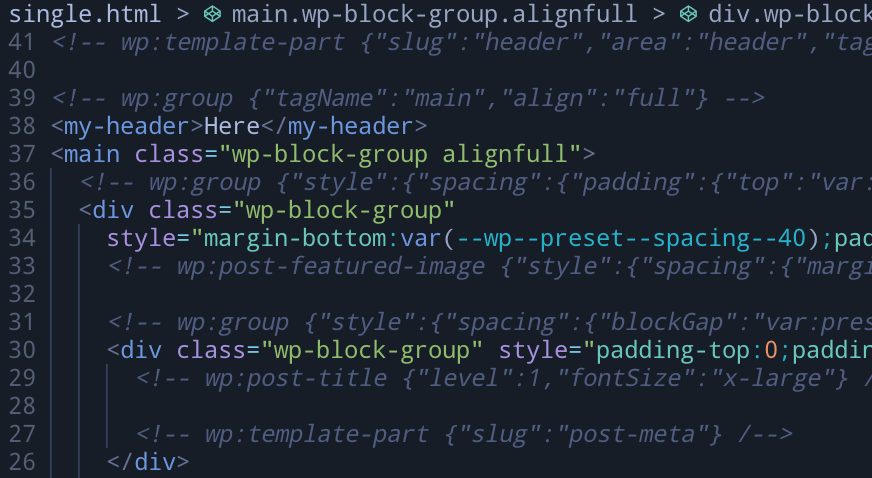
This element is authored as an HTML web component or custom element (i.e. <my-header>Cool</my-header>).
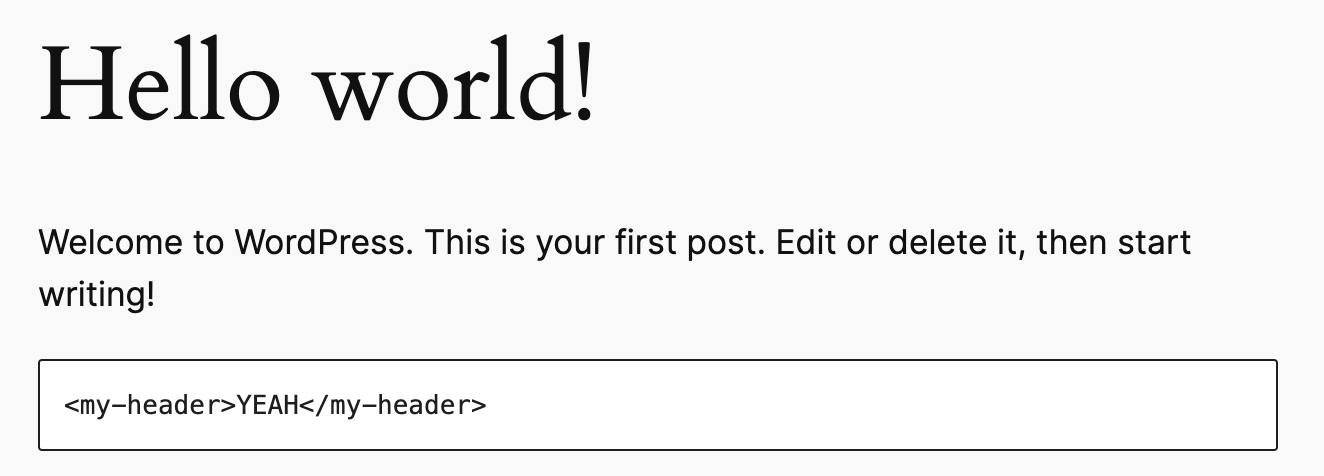
With the SSR plugin these can be used anywhere in the wordpress site and the plugin will expand them just before they are sent to the browser.
They can be used:
-
Directly in PHP templates
-
In raw HTML blocks anywhere
-
As Gutenburg blocks
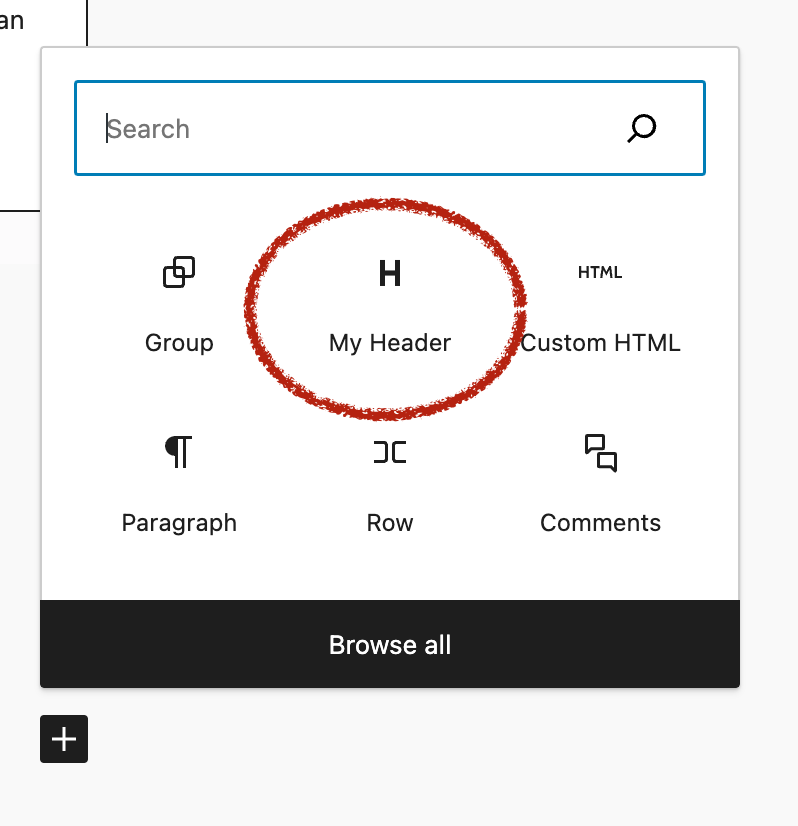


Enhance Elements as Gutenburg blocks
The new Wordpress block editor uses React for the editor and for rendering individual blocks before storing them as plain html in the database. Enhance elements are pure functions that run on the server to render plain HTML. That does not mean that they can't have clientside JavaScript, but the baseline experience is HTML. One way to wrap Enhance Elements so that they work in the block editor is shown below:
// custom-blocks/my-header.js
( function( blocks, element, blockEditor ) {
    let el = element.createElement;
    let RichText = blockEditor.RichText;

    blocks.registerBlockType( 'enhance-plugin/my-header-block', {
        title: 'My Header',
        icon: 'heading',
        category: 'layout',
        attributes: {
            content: {
                type: 'string',
                source: 'html',
                selector: 'my-header',
            },
        },
        edit: function( props ) {
            var content = props.attributes.content;
            function onChangeContent( newContent ) {
                props.setAttributes( { content: newContent } );
            }

            return el(
                RichText,
                {
                    tagName: 'h1',
                    className: 'my-custom-header',
                    style: { color: 'red' },
                    value: content,
                    onChange: onChangeContent,
                }
            );
        },
        // Save should be the authored/non-expanded html form of my-header (i.e. `<my-header>Hello World</my-header>`)
        save: function( props ) {
            const htmlContent = props.attributes.content
            return el( 'my-header', { dangerouslySetInnerHTML: { __html: htmlContent } } , null );
        },
      }
    );
} )( window.wp.blocks, window.wp.element, window.wp.blockEditor );
统计信息
- 总下载量: 5
- 月度下载量: 0
- 日度下载量: 0
- 收藏数: 19
- 点击次数: 3
- 依赖项目数: 0
- 推荐数: 0
其他信息
- 授权协议: Apache-2.0
- 更新时间: 2024-04-12