icetalker/filament-chatgpt-bot
最新稳定版本:v1.2.0
Composer 安装命令:
composer require icetalker/filament-chatgpt-bot
包简介
Integrate with OpenAI ChatGPT
README 文档
README
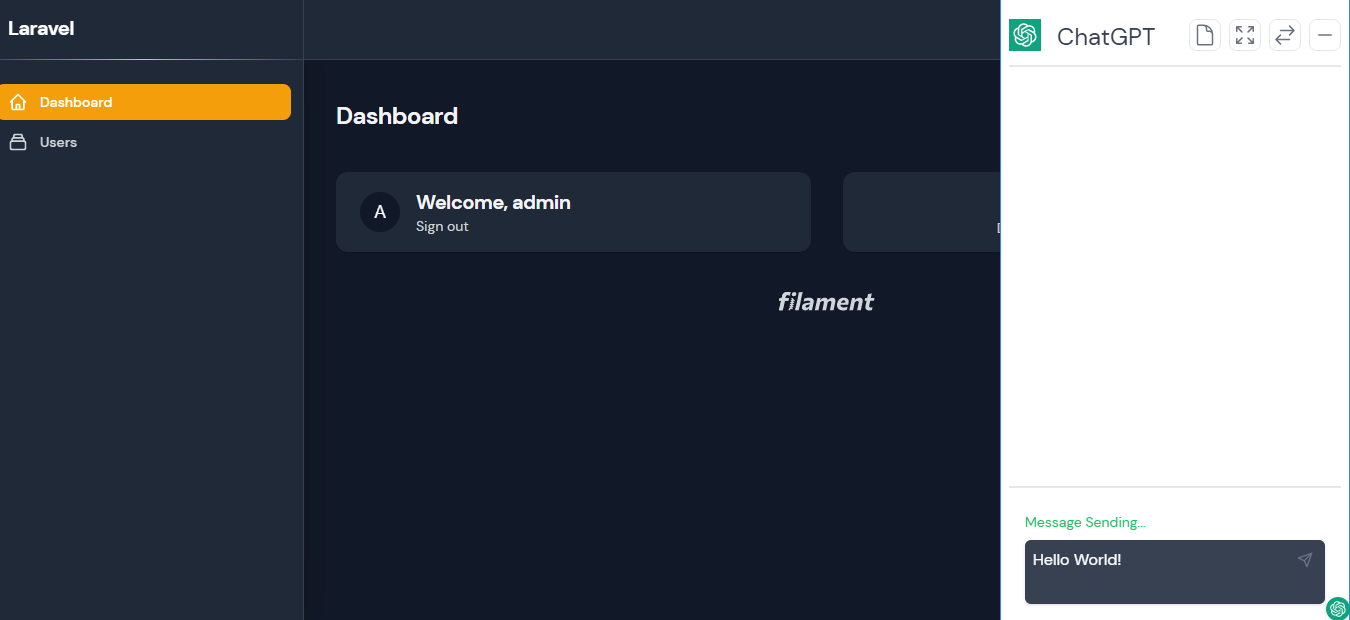
Filament ChatGPT Bot is a filament plugin that allow you to use ChatGPT out of the box within Filament Application.
Preview:
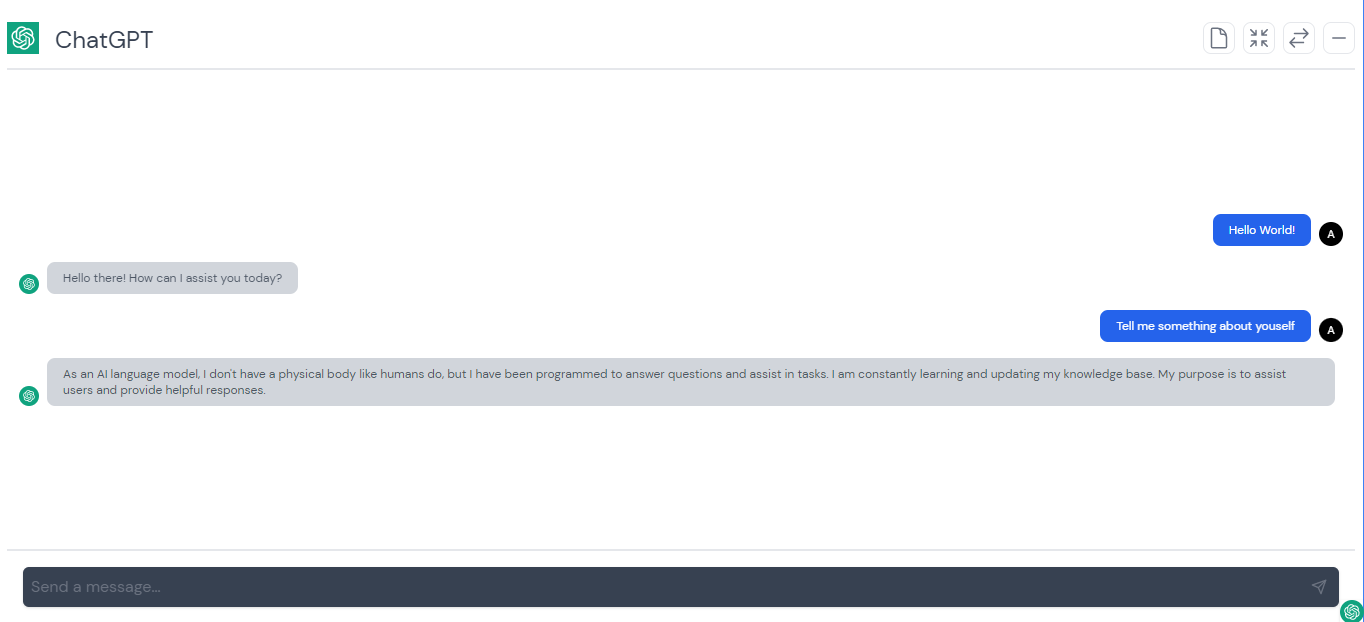
 Full Screen:
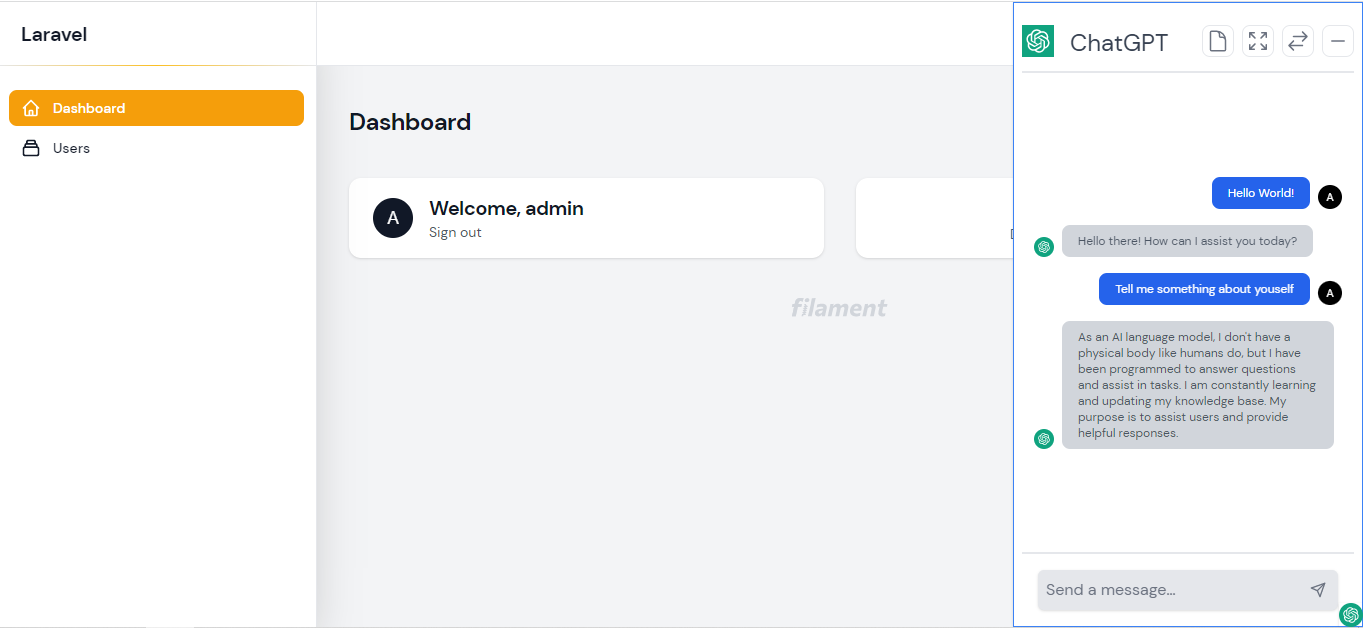
 Light Mode:
Feature
- Integrate with ChatGPT
- Easy to Setup
- Shortcut allows control of panel in more convenient way
- Support for dark mode
Installation
First, you can install the package via composer:
composer require icetalker/filament-chatgpt-bot
For Filament V2, Please lock the the version to v0.1.*:
composer require icetaker/filament-chatgpt-bot:"v0.1.3"
Publish Config Files
Next, you can publish the config files with:
php artisan vendor:publish --tag="filament-chatgpt-bot-config"
This will create a config/filament-chatgpt-bot.php configuration file in your project, which you can modify to your needs using environment variables:
OPENAI_API_KEY=sk-...
Go to admin panel, you will see a small icon in gray color on the bottom-right corner of every page. Click the icon, you will then see a chat panel. And now you can talk to OpenAI ChatGPT with the chat panel. Click the small icon again, the chat panel will become hidden again.
By optionally adding the OPENAI_PROXY to .env file, you could use http proxy to connect ChatGPT. Example as below:
OPENAI_PROXY=127.0.0.1:8080
Views
Optionally, you can publish the views using
php artisan vendor:publish --tag="filament-chatgpt-bot-views"
More
- By defult, there is a small chatgpt icon on bottom-right corner of admin panel after the package installed. You could hide the icon by setting
enabletofalseinconfig/filament-chatgpt-bot.phpfiles:
'enable' => false,
This may require you publish config files.
- You could also render it in Panel Configuration like this:
public function panel(Panel $panel): Panel
{
    return $panel
        // ...
        ->renderHook(
            'panels::body.end',
            fn (): string => auth()->check() ? Blade::render('@livewire(\'livewire-ui-modal\')') : '',
        );
}
Set
enableinconfig/filament-chatgpt-bot.phpfiles, if you like to render it in Panel Configuration.
- Alternatively, you can add it to any blade file within livewire page if you like to do it manually:
<body>

    ...

    @livewire('filament-chatgpt-bot')
</body>
This is work for all livewire page in any Laravel Project, not just Filament. Please also make sure Tailwind CSS and Livewire were imported properly while use in other Laravel Project. And please note that you should also set
enableto befalseinconfig/filament-chatgpt-bot.phpfiles while use this in non-Filament Project.
Changelog
Please see CHANGELOG for more information on what has changed recently.
Security Vulnerabilities
Please review our security policy on how to report security vulnerabilities.
Credits
Support
Any Problem please email: martin.hwang@outlook.com.
统计信息
- 总下载量: 5.19k
- 月度下载量: 0
- 日度下载量: 0
- 收藏数: 35
- 点击次数: 1
- 依赖项目数: 0
- 推荐数: 0
其他信息
- 授权协议: MIT
- 更新时间: 2023-04-24