instride/contact-form
最新稳定版本:v1.0.0
Composer 安装命令:
composer require instride/contact-form
包简介
contact form Bundle for Pimcore
README 文档
README
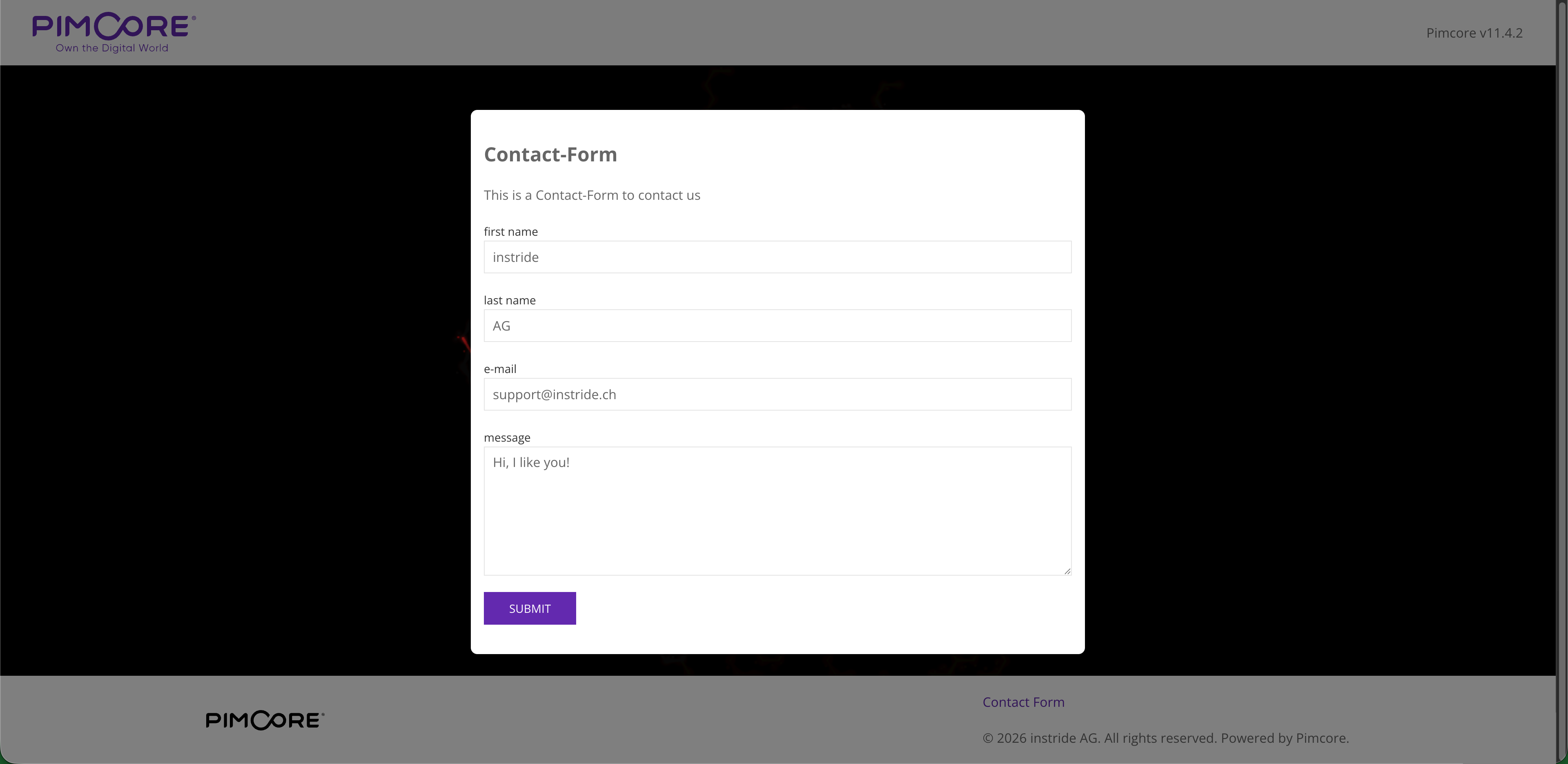
This Bundle provides a simple contact form for your website. It allows you to easily add a contact form to any page on your site using a document in your Pimcore application.
Features
- Simple contact form with fields for firstname, lastname, email and message.
- Basic JavaScript Form validation to ensure all fields are filled out correctly.
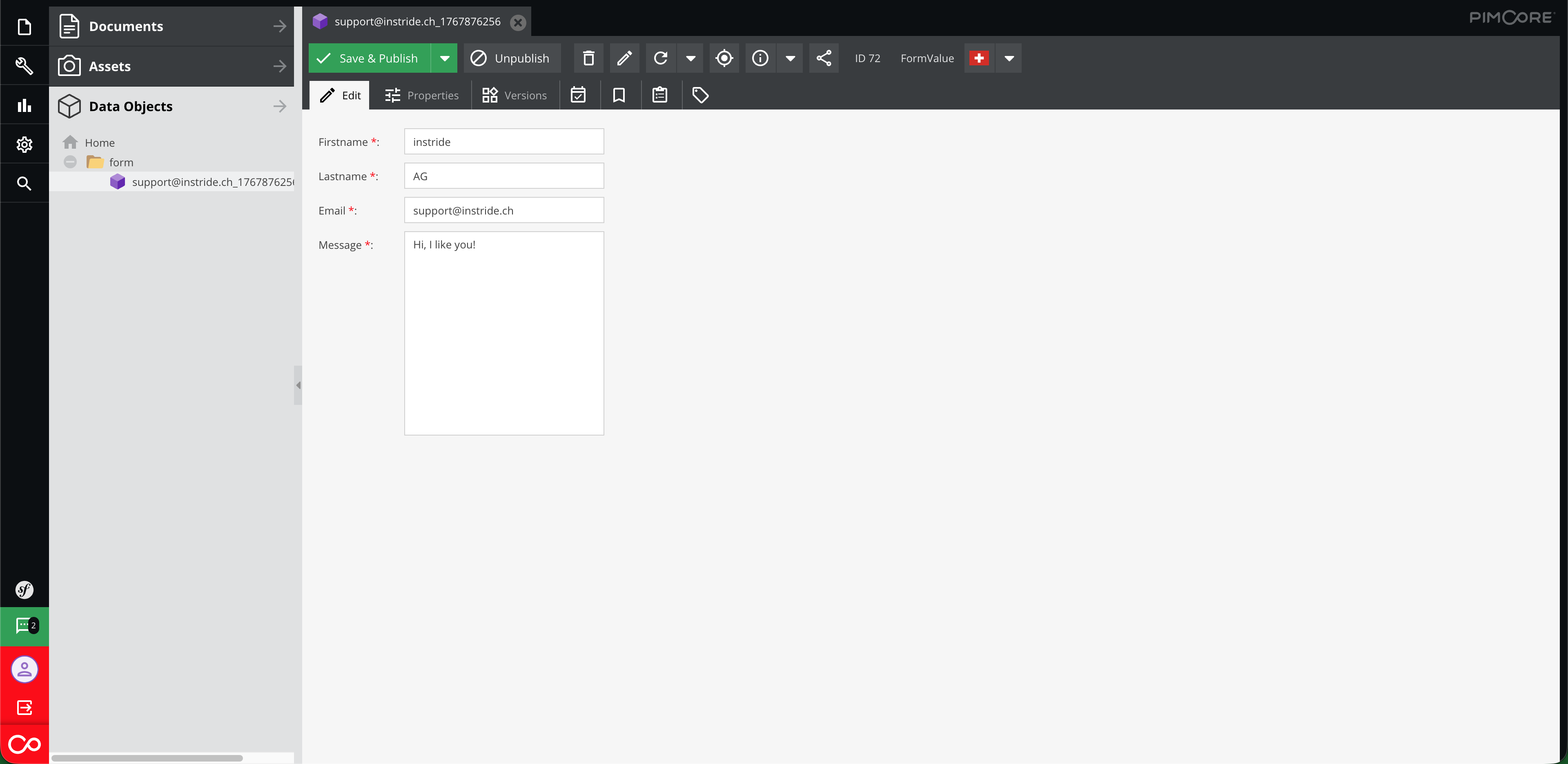
- Sends form submissions to a configurable email address.
- Uses Twig templates for easy customization of the form layout and styling.
- Redirects users to a configurable page after a successful submission.

Requirements
- Pimcore
^11.0 - Symfony/Form
^6.0 - Symfony/Twig-Bundle
^6.0
Installation
You can install the Bundle via Composer:
composer require instride/contact-form
Then, enable the Bundle in your config/bundles.php file:
return [
    // ...
    Instride\Bundle\ContactFormBundle\ContactFormBundle::class => ['all' => true],
];
Before using the contact form, make sure create the FormValue Data-Object class following the template:

Add the following line to the <head> of your base Twig template to include the necessary assets:
{% include '@ContactForm/_contact_form_assets.html.twig' %}
Finally, Run the following command to install the required assets:
php bin/console assets:install
Usage
To use the contact form, create a new Document with the name contact_form in your Pimcore admin panel. You can then add this document to any link on your site.
 To configure a redirect page after a successful submission, set the
 contact_form_redirect_site property in the Navigation & Properties tab of the document.
 In the "Website Settings" section of your Pimcore admin panel, set the following properties:
contact_form_admin_mailcontact_form_parent_folder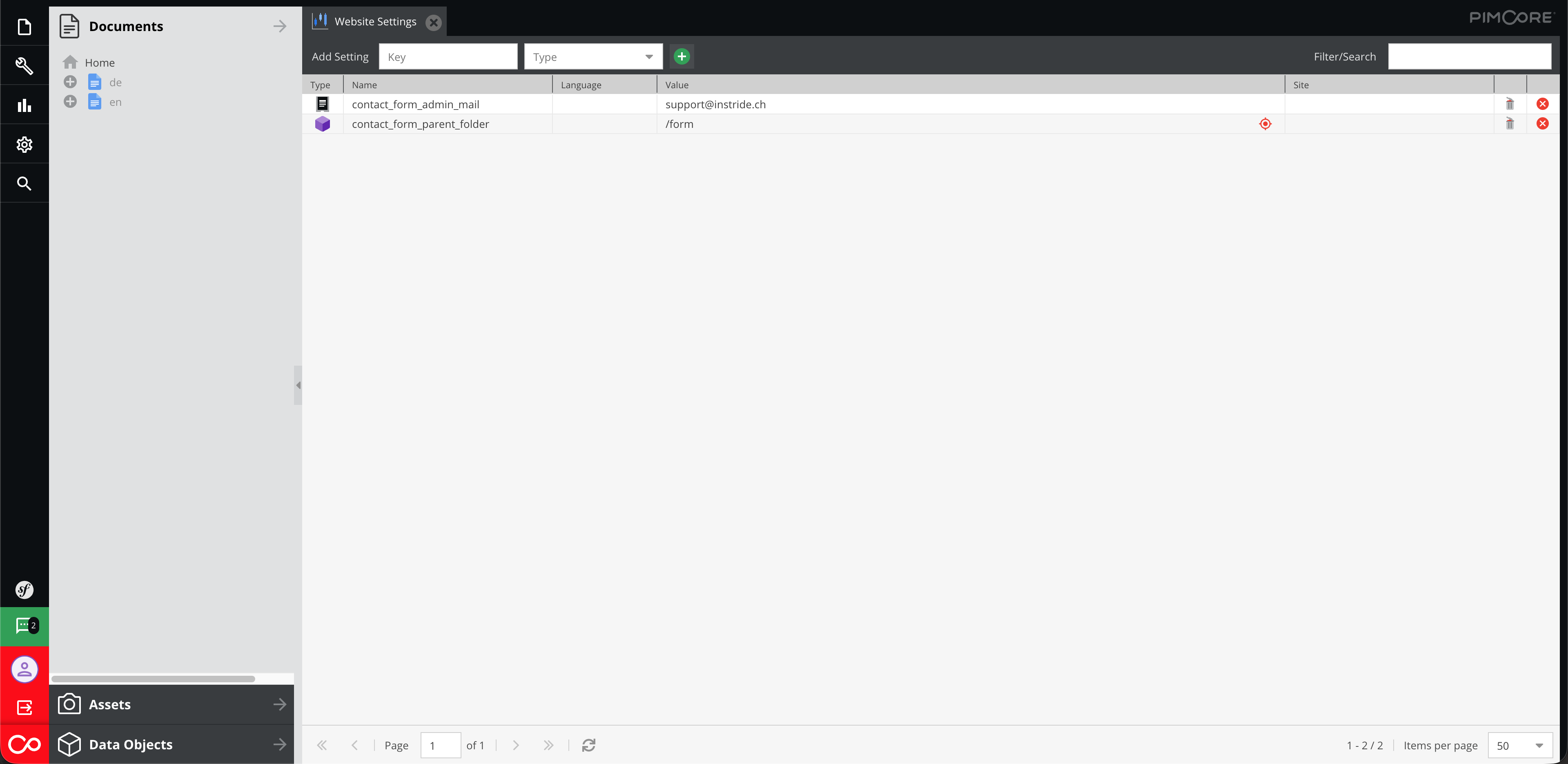 These properties will be used by the contact form to send submissions and configure the save location of the submission-objects.


统计信息
- 总下载量: 1
- 月度下载量: 0
- 日度下载量: 0
- 收藏数: 0
- 点击次数: 3
- 依赖项目数: 0
- 推荐数: 0
其他信息
- 授权协议: GPL-3.0-or-later
- 更新时间: 2026-01-09