jeffersongoncalves/jq-cli
Composer 安装命令:
composer create-project jeffersongoncalves/jq-cli
包简介
A jq clone written in pure PHP on Laravel Zero. Lexer + parser + generator-based interpreter for the jq language. Windows-first, distributed as PHAR + .bat wrappers so jq finally works in CMD/PowerShell.
README 文档
README
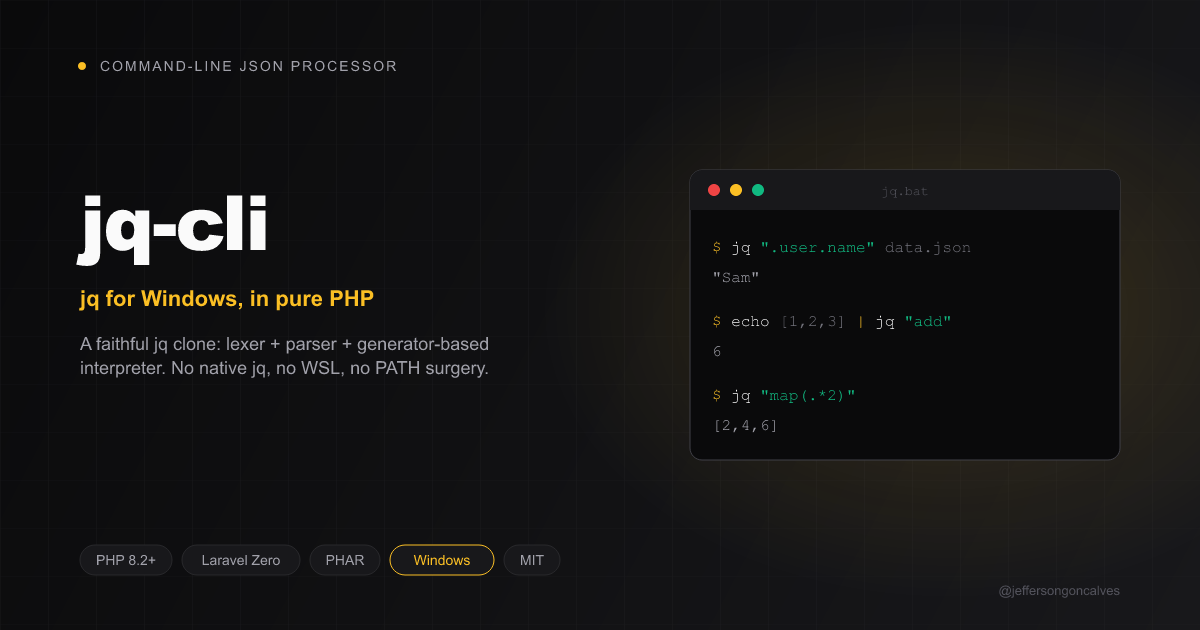
jq-cli
A jq clone written in pure PHP on top of Laravel Zero.
It implements the jq language with its own lexer, parser and generator-based
interpreter — not field extraction with regexes — so stream semantics
([], ,, //, recurse, reduce, ...) behave like the real thing.
It is Windows-first: distributed as a PHAR plus .bat wrappers so jq
finally works in CMD/PowerShell without installing the native binary, WSL, or
fighting with the Git Bash PATH.
$ echo {"user":{"name":"Sam","roles":["admin","dev"]}} | jq ".user.roles[]"
"admin"
"dev"
Why isn't jq found on Windows?
On Windows jq "is never found" for a stack of reasons:
- It is not installed by default and is not part of Windows.
- Even when present in a Git Bash / MSYS environment, that binary lives under
C:\Program Files\Git\usr\binand is not on the PowerShell/CMDPATH. - WSL has its own
jq, but it is invisible to native Windows shells. - Copy-pasted examples from the internet use single quotes (
jq '.foo'), which CMD and PowerShell do not treat as quotes, so the filter breaks even when ajqis found.
jq-cli fixes this by being self-contained: given a PHP runtime, the jq.bat
wrapper runs a PHAR that interprets the jq language directly. No native jq, no
WSL, no Git Bash PATH surgery.
Quoting on Windows: in CMD use double quotes and escape inner quotes as
\". In PowerShell use double quotes or single quotes. The examples below use double quotes so they work in CMD. For complex programs, put the filter in a file and use-f program.jq.
Installation
Requirements
- PHP 8.2+ on the
PATH(8.4 recommended). Install with:winget install PHP.PHPor via Scoop:scoop install php.
Option A — Composer (recommended)
composer global require jeffersongoncalves/jq-cli
Make sure Composer's global bin directory is on your PATH:
- Windows:
%USERPROFILE%\AppData\Roaming\Composer\vendor\bin - Linux/macOS:
~/.composer/vendor/binor~/.config/composer/vendor/bin
Then the jq command is available everywhere:
echo {"a":1} | jq ".a"
Option B — Standalone PHAR (Windows, no Composer)
- Build the PHAR (see Building) or grab
jq.pharfrom the releases page. - Copy
jq.pharandjq.batinto a folder, e.g.%USERPROFILE%\bin. - Add that folder to your user
PATH:setx PATH "%PATH%;%USERPROFILE%\bin" - Reopen your terminal so the new
PATHtakes effect.
Now jq works from CMD and PowerShell.
Usage
jq [OPTIONS] FILTER [FILES...]
If no files are given, input is read from STDIN. Multiple concatenated JSON
documents and NDJSON are both supported.
:: pretty-print
echo {"a":1,"b":2} | jq "."

:: extract a field, raw (no quotes)
echo {"name":"Sam"} | jq -r ".name"

:: map and reduce
echo [1,2,3,4] | jq "map(.*2) | add"

:: build an object
echo {"first":"Ada","last":"Lovelace"} | jq "{name: (.first + \" \" + .last)}"

:: pass arguments
jq -n --arg who world "\"hello \(\$who)\""

:: read the program from a file (best for complex filters on Windows)
jq -f report.jq data.json
Options
| Flag | Behaviour |
|---|---|
-n, --null-input |
Input is null; do not read stdin for the main loop |
-r, --raw-output |
Output strings without quotes |
-j, --join-output |
Like -r but without a trailing newline |
-c, --compact-output |
Compact (no indentation) JSON |
-s, --slurp |
Read the whole input into a single array |
-R, --raw-input |
Each line of input becomes a JSON string |
-a, --ascii-output |
Escape non-ASCII as \uXXXX |
-S, --sort-keys |
Sort object keys in the output |
-e, --exit-status |
Exit code reflects the last output value |
--tab |
Indent with tabs |
--indent N |
Indent with N spaces |
--arg name value |
Bind $name to the string value |
--argjson name json |
Bind $name to a parsed JSON value |
--slurpfile name file |
Bind $name to the array of JSON values in file |
--rawfile name file |
Bind $name to the raw contents of file |
--args / --jsonargs |
Remaining args populate $ARGS.positional |
-f, --from-file file |
Read the filter program from file |
Short flags can be combined: jq -rc ".[]".
Exit codes (jq parity)
| Code | Meaning |
|---|---|
0 |
Success, output produced |
1 |
With -e, the last output was false or null |
2 |
Usage error (invalid flags) |
3 |
Program compile error (parse error, with line:column) |
4 |
With -e, no output was produced |
5 |
I/O error or invalid JSON in the input |
Language coverage
- Paths:
.,..,.foo,.foo.bar,.["foo"],.[0],.[],.[1:3], optional?, chaining. - Construction: arrays
[...], objects{a: .x, "b": 1, $v, (expr): val, user}, string interpolation"\(.x)". - Flow:
|,,,//,if/then/elif/else/end,try/catch,?,reduce,foreach,label $x | ... break $x. - Binding & destructuring:
. as $x,. as [$a,$b],. as {a:$a}, with?//alternatives. - Arithmetic & comparison:
+ - * / %with jq's overloads (array/string/ object),== != < <= > >=,and or not, total ordering across types. - Functions:
def f: ...;,def f(a;b): ...;, value paramsdef f($a):, recursion, filters as arguments. - Builtins:
length,keys,map,select,recurse,to_entries,from_entries,with_entries,add,range,sort,sort_by,group_by,unique(_by),min(_by),max(_by),flatten,paths,getpath,setpath,delpaths,del,path,test,match,capture,scan,sub,gsub, math functions, dates, and more. - Formats:
@base64,@base64d,@json,@text,@csv,@tsv,@html,@uri,@sh. - Update operators:
=,|=,+=,-=,*=,/=,%=,//=, built on path expressions. - I/O: concatenated JSON, NDJSON,
--slurp,--raw-input,input/inputs,$ENV/env,$ARGS,$__loc__.
Architecture
input bytes ─▶ JsonStreamReader ─▶ value ─▶ Interpreter(value) ─▶ Generator ─▶ OutputEncoder ─▶ stdout
app/Jq/Lexer— tokenizer (Lexer,Token,TokenType).app/Jq/Parser— precedence-climbingParserand theAstnode classes.app/Jq/Runtime— generator-basedInterpreter,Environment,Builtins(native) +Prelude(jq-defined builtins),Paths,Values,Operators.app/Jq/Io—JsonStreamReader,OutputEncoder.app/Jq/Cli—ArgvParser,CliConfig,Runner.app/Jq/Engine.php— wires it all together and computes exit codes.
Every expression evaluates to a PHP \Generator, so a filter can emit zero, one
or many values — the core requirement for honest jq semantics.
Development
composer install
composer test           # Pest suite + Pint lint check
php vendor/bin/pest      # tests only
php vendor/bin/pint      # fix code style
Building
The Laravel Zero app:build command uses Box, whose temp-directory cleanup is
unreliable on Windows. A dependency-free builder is included:
php -d phar.readonly=0 build-phar.php
This produces builds/jq.phar. For a much smaller binary, install runtime-only
dependencies first:
composer install --no-dev
php -d phar.readonly=0 build-phar.php
composer install        # restore dev tools afterwards
The builds/jq.bat wrapper simply calls php jq.phar %*.
Compatibility & known divergences
This is a faithful but not byte-identical reimplementation. Known differences
from reference jq:
- Numbers: values are PHP
int/float. Integer-valued floats print without a trailing.0(e.g.2.0→2). Very large integers may lose precision (IEEE-754 double), matching jq's own number model in most cases. - Object keys that are numeric strings (e.g.
{"0":1}) may be normalised by PHP's array key casting. - Regex uses PCRE (PHP) rather than Oniguruma; the vast majority of patterns
and flags (
g,i,x,s,m) behave identically, but exotic Oniguruma features may differ. @sh/dates cover the common cases; some locale-specificstrftimespecifiers are simplified.--streamand SQL-style builtins are not yet implemented.
Found a divergence? Open an issue — golden tests live in tests/Feature.
License
MIT © Jefferson Goncalves
统计信息
- 总下载量: 0
- 月度下载量: 0
- 日度下载量: 0
- 收藏数: 1
- 点击次数: 0
- 依赖项目数: 0
- 推荐数: 0
其他信息
- 授权协议: MIT
- 更新时间: 2026-06-23