madebybob/carbone-sdk
最新稳定版本:0.2.0
Composer 安装命令:
composer require madebybob/carbone-sdk
包简介
Carbone SDK for PHP
README 文档
README
This package provides a PHP SDK for the Carbone.io API.
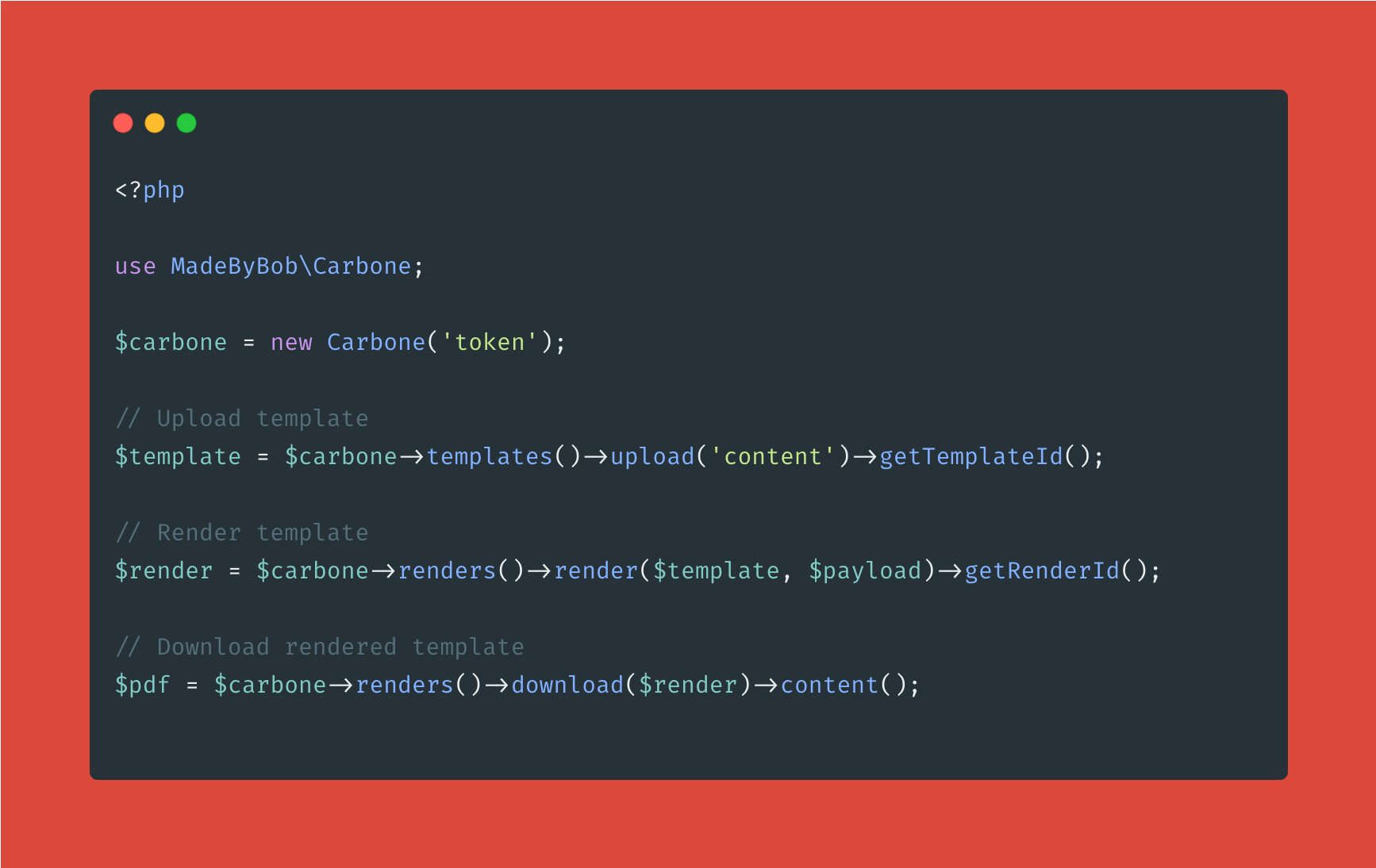
About Carbone
Carbone is a powerful and easy to use API to convert documents from a template to a PDF. It is based on LibreOffice and can convert any document supported by LibreOffice. It is also possible to convert HTML to PDF.
Installation
You can install the bindings via Composer. Run the following command:
composer require madebybob/carbone-sdk
Usage
Carbone instance
Using the SDK is very easy. You just need to create a new instance of the Carbone class and provide your API key.
use MadeByBob\Carbone\Carbone;

$carbone = new Carbone('YOUR_API_KEY');
Templates
Upload a template
You can upload a template to Carbone using the upload method. This method takes the contents of the template as a parameter.
$response = $carbone->templates()->upload($content);

$templateId = $response->getTemplateId();
Delete a template
You can delete a template using the delete method. This method takes the template ID as a parameter.
$response = $carbone->templates()->delete($templateId);
Renders
Render a template
You can render a template using the render method. This method takes the template ID and the data as parameters.
$response = $carbone->renders()->render($templateId, $data);

$renderId = $response->getRenderId();
Download a rendered template
You can download a rendered template using the download method. This method takes the render ID as a parameter.
$response = $carbone->renders()->download($renderId);

// Save the contents of the file yourself on your filesystem
$content = $response->getContent();
统计信息
- 总下载量: 7
- 月度下载量: 0
- 日度下载量: 0
- 收藏数: 6
- 点击次数: 2
- 依赖项目数: 0
- 推荐数: 0
其他信息
- 授权协议: MIT
- 更新时间: 2023-01-02