moonshine/ace
最新稳定版本:1.0.4
Composer 安装命令:
composer require moonshine/ace
包简介
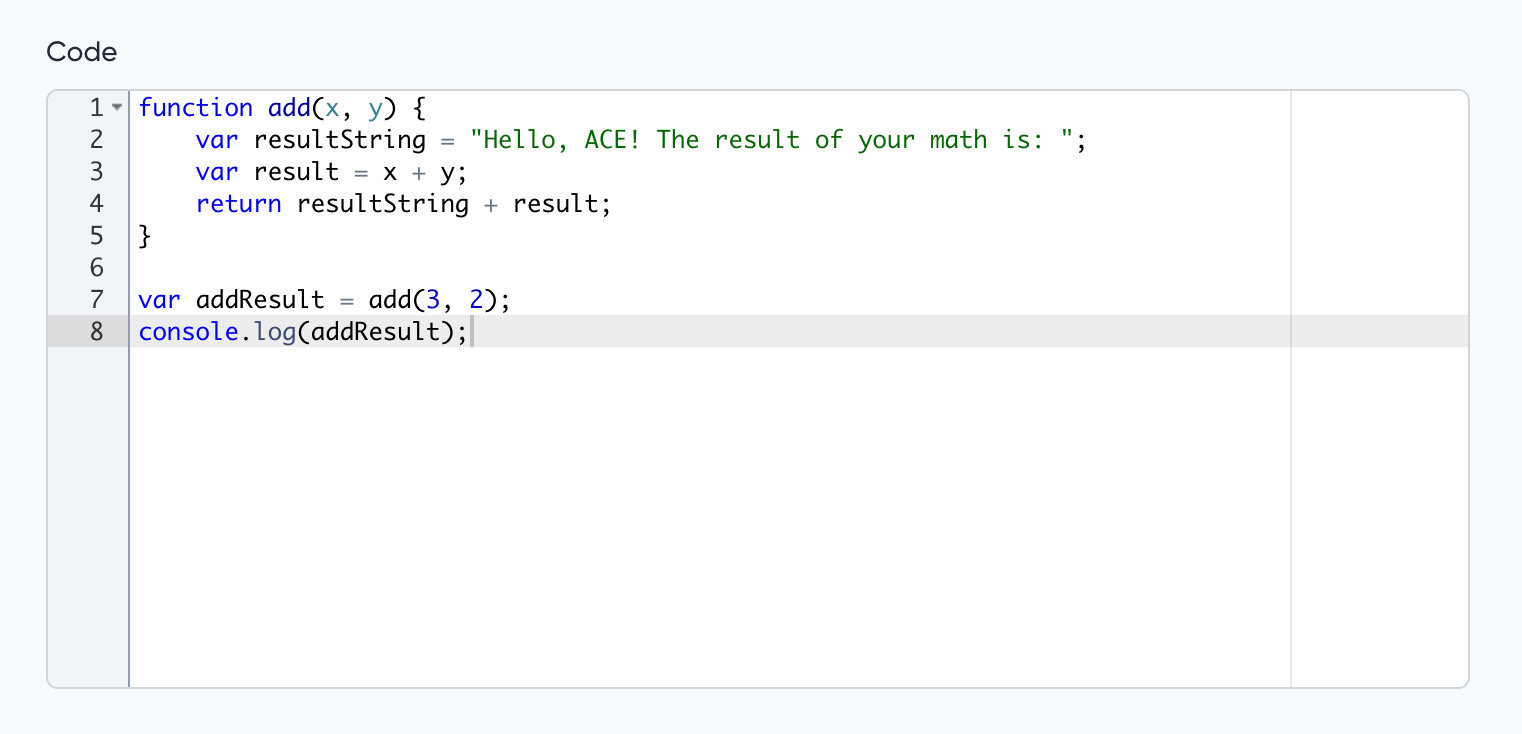
Ace editor for MoonShine
关键字:
README 文档
README
Extends Textarea and has the same features
Note
The package is based on the Ace library.
Compatibility
| MoonShine | Moonshine Ace | Currently supported |
|---|---|---|
| >= v3.0 | >= v1.0.0 | yes |
Installation
composer require moonshine/ace
Usage
use MoonShine\Ace\Fields\Code;

Code::make('Code')
Default config
To change the default settings, you need to publish the configuration file:
php artisan vendor:publish --tag="moonshine-ace-config"
You can also add additional options to the configuration file that will apply to all Code fields
'options' => [
    'language' => 'javascript',
    'options' => [
        'useSoftTabs' => true,
        'navigateWithinSoftTabs' => true,
    ],
    'themes' => [
        'light' => 'chrome',
        'dark' => 'cobalt'
    ],
],
Note
For more information, visit the Ace library.
Language
To change the language, use the language() method.
language(string $language)
Code::make('Code')
    ->language('php');
Themes
To change the themes, use the themes() method.
themes(string $light = null, string $dark = null)
Code::make('Code')
    ->themes('chrome', 'cobalt');
Options
The addOption() method allows you to add additional options for a field
addOption(string $name, string|int|float|bool $value)
Code::make('Code')
    ->addOption('showGutter', false)
统计信息
- 总下载量: 3k
- 月度下载量: 0
- 日度下载量: 0
- 收藏数: 4
- 点击次数: 1
- 依赖项目数: 0
- 推荐数: 0
其他信息
- 授权协议: MIT
- 更新时间: 2024-10-20