pdir/css-style-selector-bundle
最新稳定版本:1.7.1
Composer 安装命令:
composer require pdir/css-style-selector-bundle
包简介
Contao 4 Css Style Selector bundle
关键字:
README 文档
README
This Contao extension is a CSS style selector for content elements in Contao.
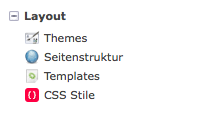
CSS styles can be defined here
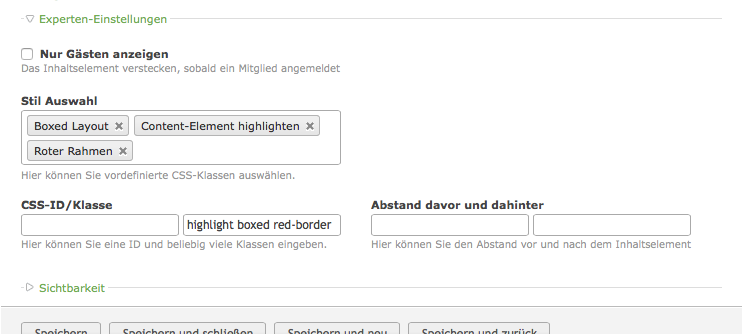
The predefined styles can be selected here
Installation
Step 1: Download the Bundle
Open a command console, enter your project directory and execute the following command to download the latest stable version of this bundle:
$ composer require craffft/css-style-selector-bundle "dev-master"
This command requires you to have Composer installed globally, as explained in the installation chapter of the Composer documentation.
Step 2: Enable the Bundle
Then, enable the bundle by adding it to the list of registered bundles
in the app/AppKernel.php file of your project:
<?php
// app/AppKernel.php

// ...
class AppKernel extends Kernel
{
    public function registerBundles()
    {
        $bundles = array(
            // ...

            new Craffft\CssStyleSelectorBundle\CraffftCssStyleSelectorBundle(),
        );

        // ...
    }

    // ...
}
统计信息
- 总下载量: 8.91k
- 月度下载量: 0
- 日度下载量: 0
- 收藏数: 2
- 点击次数: 0
- 依赖项目数: 1
- 推荐数: 0
其他信息
- 授权协议: MIT
- 更新时间: 2020-09-23