sits/sits-insta-feed
最新稳定版本:v1.2.2
Composer 安装命令:
composer require sits/sits-insta-feed
包简介
for showing insta feed to users.
README 文档
README
SITS INSTA FEED PACKAGE
The sits-insta-feed package provides a simple way to integrate Instagram feeds into your Laravel project. Follow the steps below to install and use the package.
Installation
-
Create a Laravel Project
Set your
APP_URLandASSET_URLin.envfile as needed. -
Install the Package
Run the following command to require the package via Composer:
composer require sits/sits-insta-feed
-
Register Provider
Open the
config/app.phpfile and add the service provider to the providers array:'providers' => [ Sits\SitsInstaFeed\SitsInstaFeedServiceProvider::class, ],Note: If your Laravel version is 11 or higher, register the provider in
bootstrap/providers.php:return [ Sits\SitsInstaFeed\SitsInstaFeedServiceProvider::class, ]; -
Publish Package Assets
Publish the package assets by running the following Artisan command:
php artisan vendor:publish --provider="Sits\SitsInstaFeed\SitsInstaFeedServiceProvider"
-
Obtain API Token
-
Initial Setup
Navigate to
{website-url}/sits-insta-feed-homein your browser- Click "Continue with Instagram"
- You will be redirected to the social feed login page
-
Authentication For New Users:
- Click "Register"
- Create a new account
- Log in with your newly created credentials
-
For Existing Users:
- Simply log in with your existing credentials
-
Connecting Instagram
- After successful login, locate the Instagram tab in the sidebar
- Click "Link Instagram Account"
- Log in to your Instagram account when prompted
- Grant the necessary permissions
- You will be redirected back to your project URL
-
Verification
After completing the process, verify that the configuration file has been updated:
config/sits_insta_feed.php -
Troubleshooting
If you encounter any issues:
- Ensure all permissions were granted correctly
- Verify that you're logged into the correct Instagram account
- Check your internet connection
- Clear browser cache if needed
Note: If the
config/sits_insta_feed.phpdoes not have the API token, repeat the step if needed. -
Usage
-
Import the Service Provider
In your controller or wherever you want to use the package, import the
SitsInstaFeedServiceProvider:use Sits\SitsInstaFeed\SitsInstaFeedServiceProvider; -
Fetch Feed Data
Create a method in your controller to fetch and return the Instagram feed data:
public function home() { $provider = new SitsInstaFeedServiceProvider(app()); return $provider->getSitsFeedJson(); } -
Get HTML Content
To fetch the HTML content of the posts with predefined widgets:
$provider = new SitsInstaFeedServiceProvider(app());
$data = $provider->getSitsContent('widget_type', 'media-type', 'number_of_post');
$htmlContent = $data->data;
Arguments explanation:
-
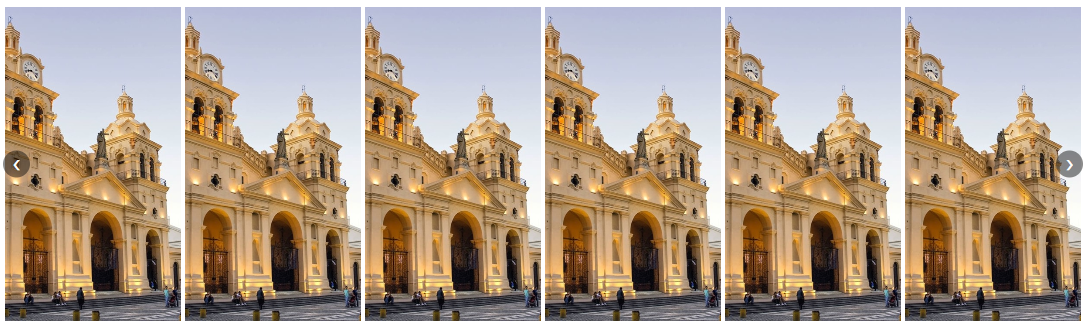
widget_type: 'slider' or 'grid' layout
Slider layout
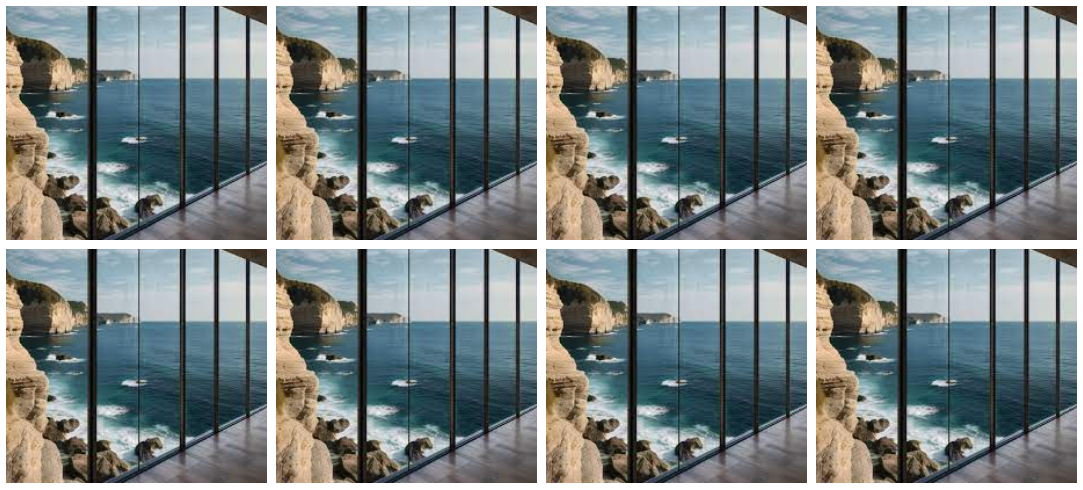
Grid layout

-
media_type: 'image' or 'video'
If you want all media types, leave it blank.
'' -
number_of_post: Number of posts to fetch
-
统计信息
- 总下载量: 38
- 月度下载量: 0
- 日度下载量: 0
- 收藏数: 0
- 点击次数: 0
- 依赖项目数: 0
- 推荐数: 0
其他信息
- 授权协议: mit
- 更新时间: 2024-07-23