sky40280/laravel-teams-logging
Composer 安装命令:
composer require sky40280/laravel-teams-logging
包简介
Laravel handler to sending messages to Microsoft Teams using the Incoming Webhook connector
README 文档
README
Laravel handler to sending messages to Microsoft Teams using the Incoming Webhook connector.
Installation
Require this package with composer.
$ composer require margatampu/laravel-teams-logging
Integration
Package tested and worked with Laravel and Lumen framework (10+).
Laravel: After installation using composer finishes up, you'll have to add the following line to your config/app.php:
MargaTampu\LaravelTeamsLogging\LoggerServiceProvider::class
Lumen: For Lumen, you'll have to add the following line to your bootstrap/app.php:
$app->register(MargaTampu\LaravelTeamsLogging\LoggerServiceProvider::class);
Laravel: Then copy teams config file from laravel-teams-logging to your config folder:
$ php artisan vendor:publish --provider="MargaTampu\LaravelTeamsLogging\LoggerServiceProvider"
Lumen: For Lumen, you need to copy file manually to your config folder and enable it in bootstrap/app.php:
$app->configure('teams');
Create a custom channel using laravel logging file or create new logging config file for lumen.
Add this configuration to config/logging.php file
'teams' => [
    'driver'    => 'custom',
    'via'       => \MargaTampu\LaravelTeamsLogging\LoggerChannel::class,
    'level'     => 'debug',
    'url'       => env('INCOMING_WEBHOOK_URL'),
    'style'     => 'simple',    // Available style is 'simple' and 'card', default is 'simple'
],
or simply add name to specify different project name for each connector.
'teams' => [
    'driver'    => 'custom',
    'via'       => \MargaTampu\LaravelTeamsLogging\LoggerChannel::class,
    'level'     => 'debug',
    'url'       => env('INCOMING_WEBHOOK_URL'),
    'style'     => 'simple',    // Available style is 'simple' and 'card', default is 'simple'
    'name'      => 'Dummy Project'
],
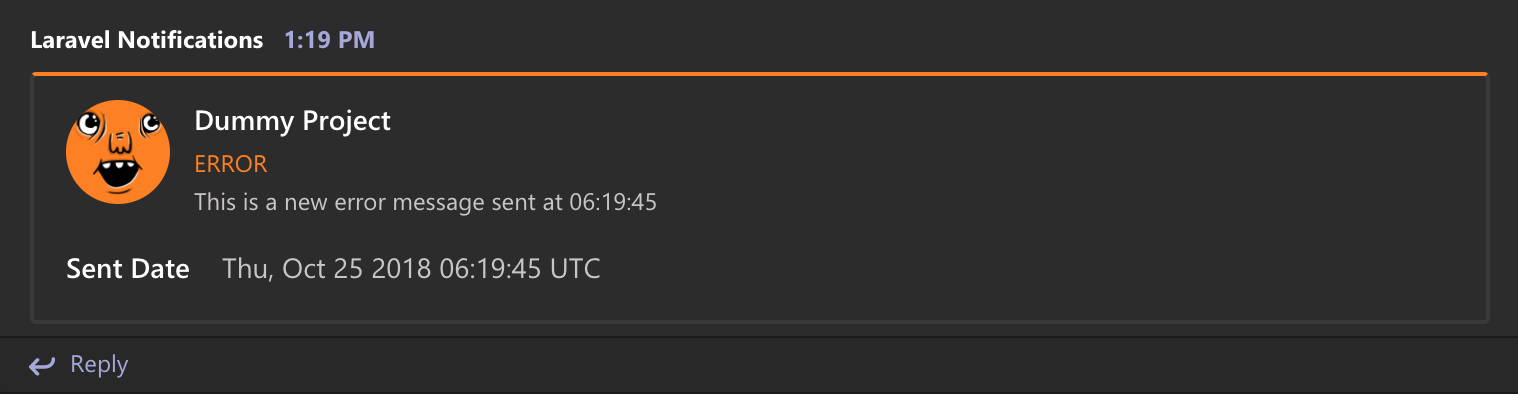
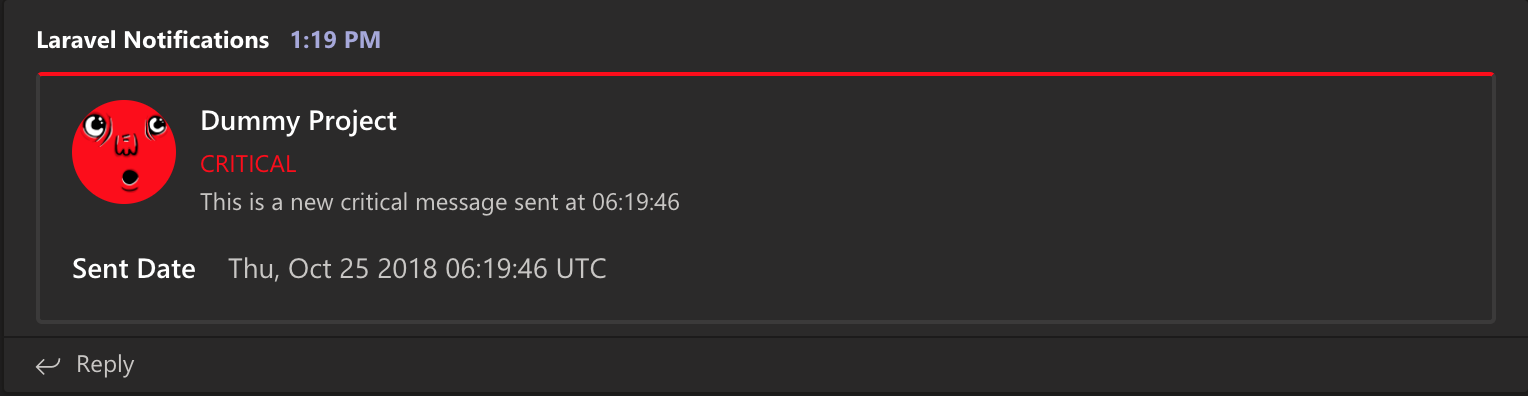
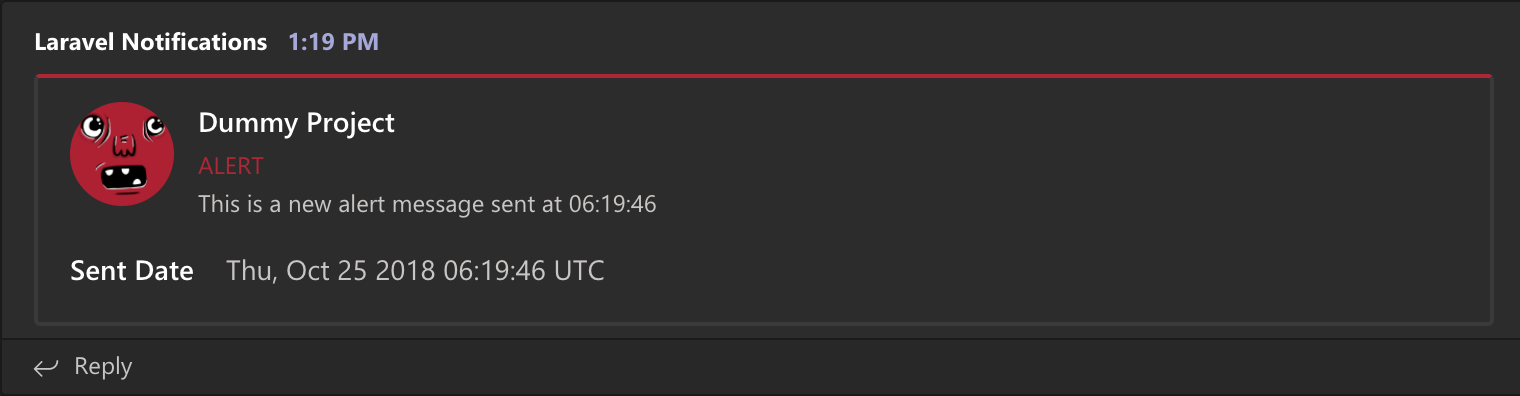
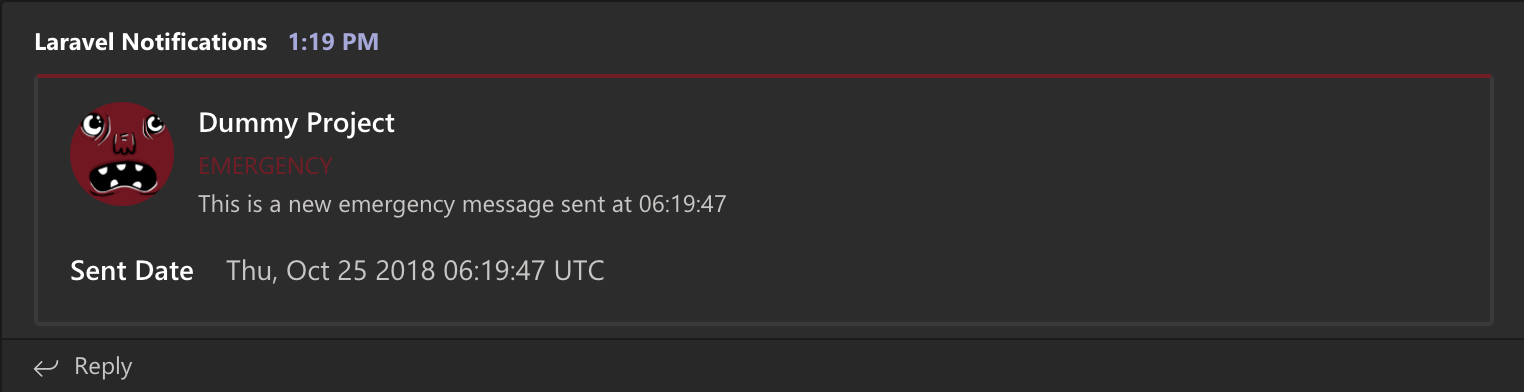
There are 2 available styles for microsoft teams message, using simple and card. You can see card style in results style which is difference from simple style.
After added configs to your config/logging.php file, add INCOMING_WEBHOOK_URL variable to your .env file with connector url from your microsoft teams connector. Please read microsoft teams document to find your connector url.
Usage
To send a simple error message to teams channel, you kindly use script below:
Log::channel('teams')->error('Error message');
Or you can include additional info to card message using log context.
Log::channel('teams')->error('Error message', [
    'name'  => 'value',
    'Assigned to' => 'Unassigned'
]);
When using simple style, log context will ignore from message.
You can also add teams to the default stack channel so all errors are automatically send to the teams channel.
'channels' => [
    'stack' => [
        'driver' => 'stack',
        'channels' => ['single', 'teams'],
    ],
],
Results
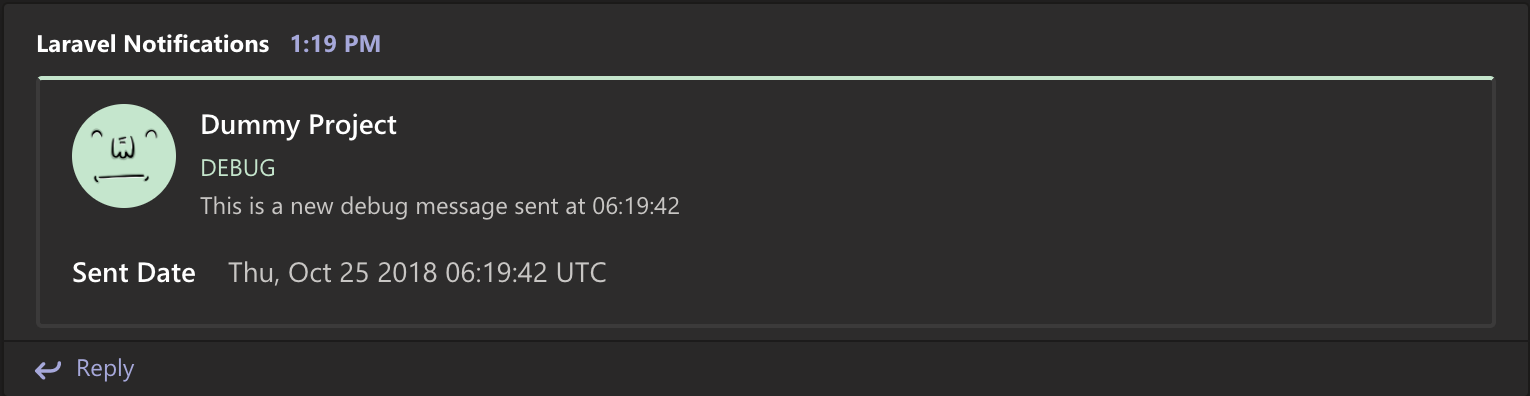
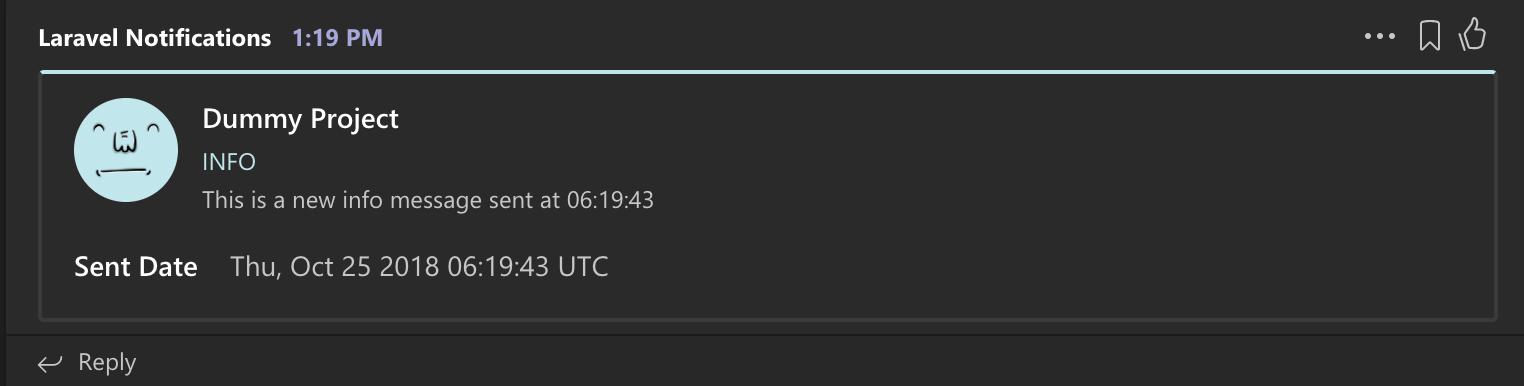
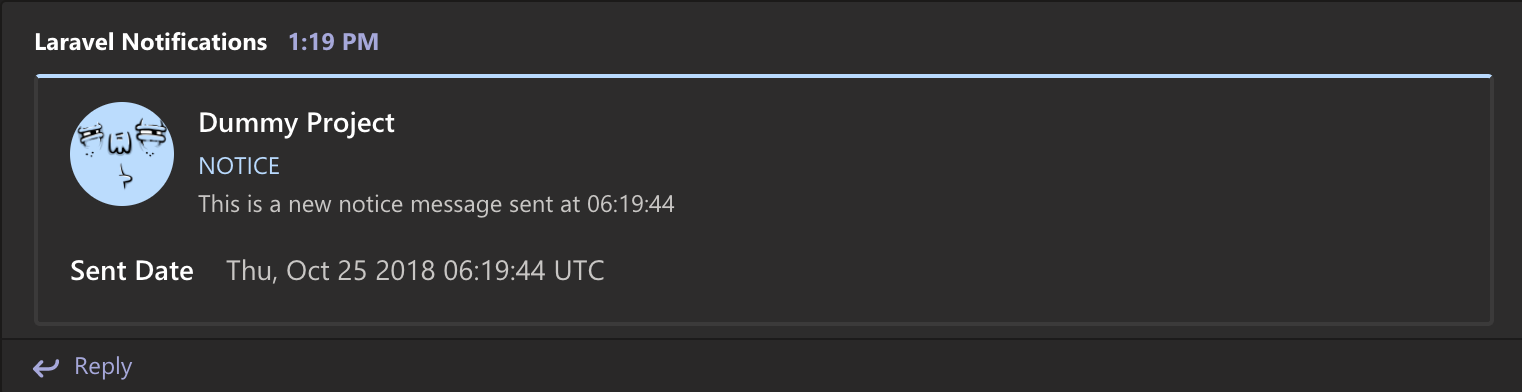
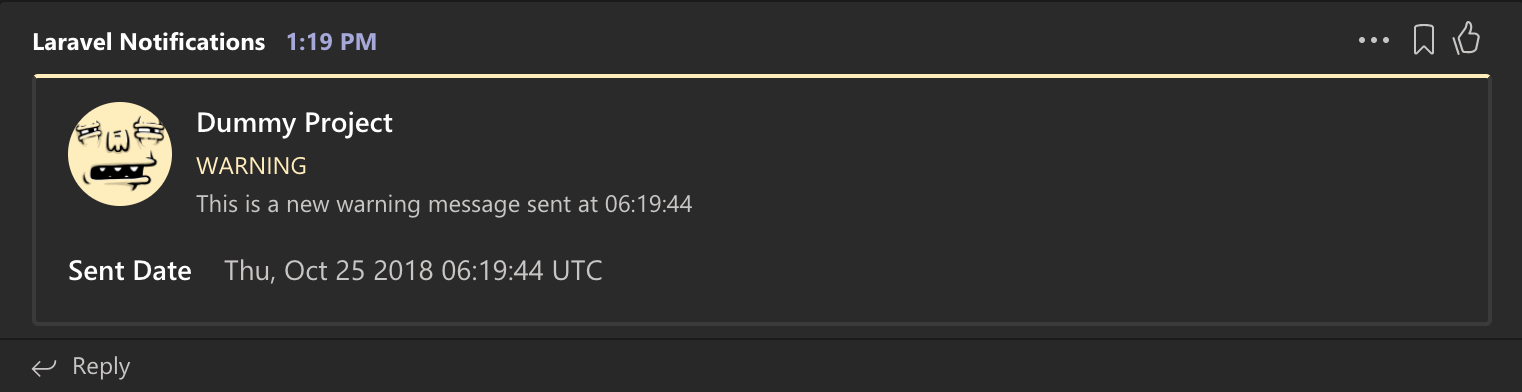
Here are some results of notifications sent to microsoft teams channel using card style.
-
Debug log preview in microsoft teams channel
-
Info log preview in microsoft teams channel
-
Notice log preview in microsoft teams channel
-
Warning log preview in microsoft teams channel
-
Error log preview in microsoft teams channel
-
Critical log preview in microsoft teams channel
-
Alert log preview in microsoft teams channel
-
Emergency log preview in microsoft teams channel
License
This laravel-teams-logging package is available under the MIT license. See the LICENSE file for more info.
统计信息
- 总下载量: 1
- 月度下载量: 0
- 日度下载量: 0
- 收藏数: 0
- 点击次数: 2
- 依赖项目数: 0
- 推荐数: 0
其他信息
- 授权协议: MIT
- 更新时间: 2023-12-13