takuya-motoshima/codeigniter-extension
最新稳定版本:v5.0.6
Composer 安装命令:
composer require takuya-motoshima/codeigniter-extension
包简介
Extend CodeIgniter for ease of use
关键字:
README 文档
README
CodeIgniter Extension
Supercharge your CodeIgniter 3 workflow.
Extended controllers, models, utilities, and AWS integrations — all in one package.
日本語 | Changelog | 変更履歴 | API Docs
Why CodeIgniter Extension?
CodeIgniter 3 is fast and lightweight — but it lacks modern conveniences. This package fills the gaps without compromising simplicity.
| What you get | |
|---|---|
| Controllers | JSON / HTML / Twig responses, CORS, annotation-based access control |
| Models | Fluent query builder, INSERT ... ON DUPLICATE KEY UPDATE, helper methods |
| Utilities | Image/video processing, encryption, CSV, REST client, validation, logging |
| AWS | Rekognition (face detection & comparison), SES (email delivery) |
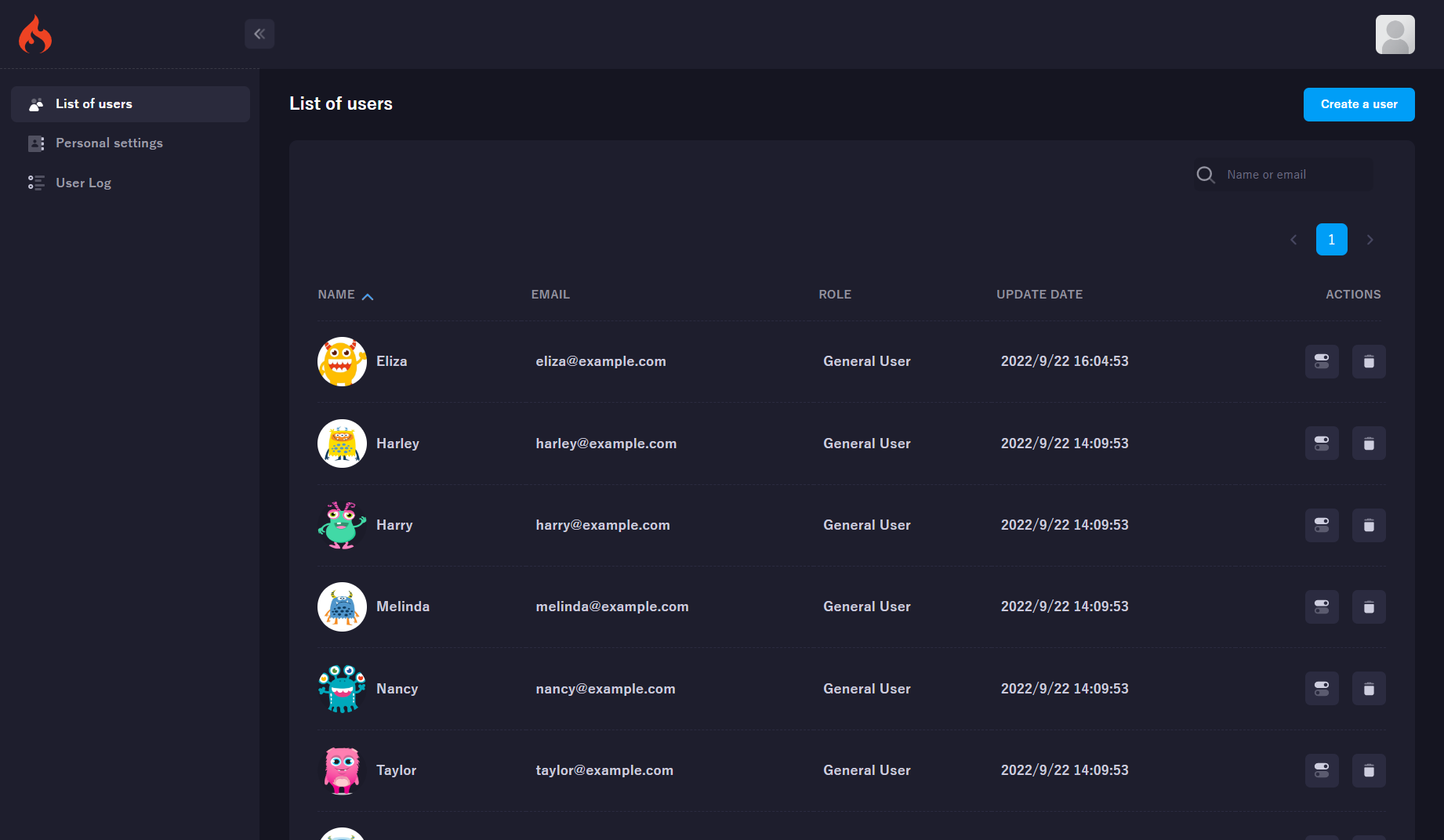
| Scaffold | One command to create a fully working app with auth, dashboard & frontend |
Quick Start
composer create-project takuya-motoshima/codeigniter-extension myapp
cd myapp
Set up permissions and web server:
sudo chmod -R 755 public/upload application/{logs,cache,session}
sudo chown -R nginx:nginx public/upload application/{logs,cache,session}
sudo cp nginx.sample.conf /etc/nginx/conf.d/myapp.conf
sudo systemctl restart nginx
Import the database and build assets:
mysql -u root -p your_database < skeleton/init.sql
cd client && npm install && npm run build
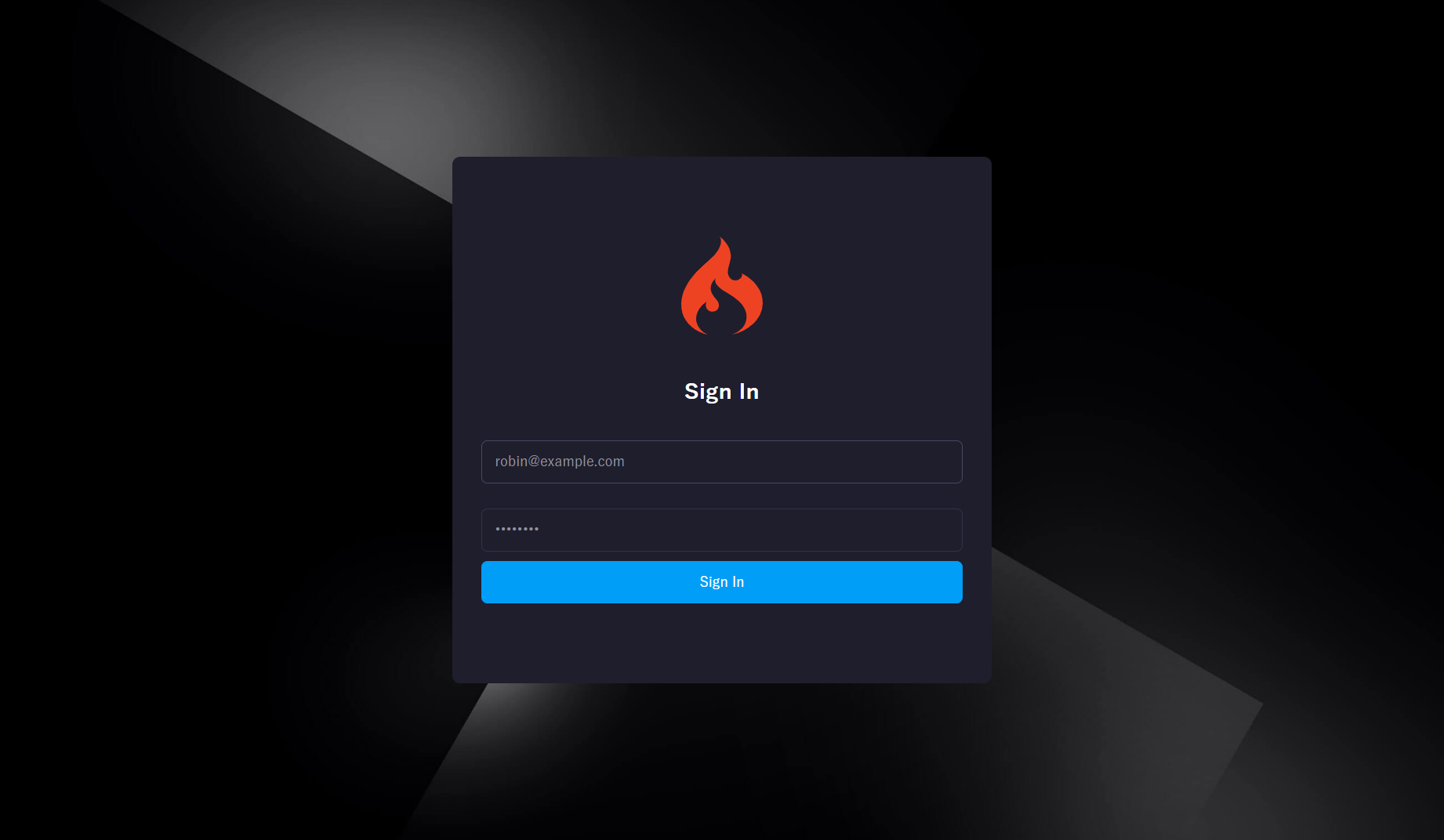
Open http://{your-server-ip}:3000/ — default credentials: robin@example.com / password
Usage
Controller
use \X\Annotation\Access;

class Users extends AppController {

  /** @Access(allow_login=true, allow_logoff=false, allow_role="admin") */
  public function index() {
    $users = $this->UserModel->get()->result_array();
    parent::set('users', $users)->view('users/index');
  }

  /** @Access(allow_http=true) */
  public function api() {
    parent::set(['message' => 'Success'])->json();
  }
}
Model
class UserModel extends AppModel {
  const TABLE = 'user';

  public function getActiveUsers() {
    return $this
      ->where('active', 1)
      ->order_by('name', 'ASC')
      ->get()
      ->result_array();
  }
}
Utilities
use \X\Util\{ImageHelper, FileHelper, Cipher, RestClient};

// Image
ImageHelper::resize('/path/to/image.jpg', '/path/to/output.jpg', 800, 600);

// Files
FileHelper::makeDirectory('/path/to/dir', 0755);

// Encryption
$encrypted = Cipher::encrypt('secret data', 'encryption-key');

// REST
$client = new RestClient(['base_url' => 'https://api.example.com']);
$response = $client->get('/users');
Twig Templates
Session variables are automatically available:
{% if session.user is defined %}
  <p>Welcome, {{ session.user.name }}!</p>
  {% if session.user.role == 'admin' %}
    <a href="/admin">Admin Panel</a>
  {% endif %}
{% endif %}
API at a Glance
Controller Methods
| Method | Description |
|---|---|
json() |
Send JSON response |
view($template) |
Render Twig template |
html($html) |
Send HTML response |
text($text) |
Send plain text response |
image($path) |
Send image response |
download($filename, $content) |
Force file download |
set($key, $value) |
Set response data |
setCorsHeader($origin) |
Set CORS headers |
Model Methods
| Method | Description |
|---|---|
get_all() |
Get all records |
get_by_id($id) |
Get record by ID |
count_by_id($id) |
Count records by ID |
exists_by_id($id) |
Check if record exists |
insert_on_duplicate_update() |
Upsert single record |
insert_on_duplicate_update_batch() |
Batch upsert |
Utility Classes
| Class | Key Methods |
|---|---|
ImageHelper |
resize(), crop(), writeDataURLToFile(), pdf2Image() |
FileHelper |
makeDirectory(), delete(), copyFile(), move() |
Cipher |
encrypt(), decrypt(), encode_sha256() |
RestClient |
get(), post(), put(), delete() |
Logger |
debug(), info(), error(), display() |
Validation |
hostname(), ipaddress(), email(), is_path() |
IpUtils |
isIPv4(), isIPv6(), inRange() |
Template |
load($template, $params) |
Configuration
Recommended config.php settings
| Setting | Default | Recommended |
|---|---|---|
base_url |
empty | Dynamic: '//' . $_SERVER['HTTP_HOST'] . ... |
enable_hooks |
FALSE |
TRUE |
permitted_uri_chars |
a-z 0-9~%.:_\- |
a-z 0-9~%.:_\-, |
sess_save_path |
NULL |
APPPATH . 'session' |
cookie_httponly |
FALSE |
TRUE |
composer_autoload |
FALSE |
realpath(APPPATH . '../vendor/autoload.php') |
index_page |
index.php |
empty |
Access Control (hooks.php)
use \X\Annotation\AnnotationReader;
use \X\Util\Logger;

$hook['post_controller_constructor'] = function() {
  if (is_cli()) return;

  $CI =& get_instance();
  $meta = AnnotationReader::getAccessibility($CI->router->class, $CI->router->method);
  $loggedin = !empty($_SESSION[SESSION_NAME]);

  if (!$meta->allow_http)
    throw new \RuntimeException('HTTP access is not allowed');
  else if ($loggedin && !$meta->allow_login)
    redirect('/users/index');
  else if (!$loggedin && !$meta->allow_logoff)
    redirect('/users/login');
};
Database Session Driver
PHP 7.0+ compatible session handler with custom column support:
$config['sess_driver'] = 'database';
$config['sess_save_path'] = 'session';
$config['sess_table_additional_columns'] = ['email'];
Implements updateTimestamp() to prevent Failed to write session data warnings.
Requirements
- PHP 8.0+
- Composer
- Extensions: php-gd, php-mbstring, php-xml, php-imagick (optional)
ImageMagick Installation
Required for extractFirstFrameOfGif() in \X\Util\ImageHelper.
Amazon Linux 2:
sudo yum -y install ImageMagick php-imagick
Amazon Linux 2023:
sudo dnf -y install ImageMagick ImageMagick-devel php-pear.noarch
sudo pecl install imagick
echo "extension=imagick.so" | sudo tee -a /etc/php.ini
sudo systemctl restart nginx php-fpm
Architecture
src/X/
├── Annotation/        Access control annotations
├── Composer/          Post-install scaffolding
├── Constant/          Environment & HTTP status constants
├── Controller/        Base controller with response helpers
├── Core/              Extended Loader, Router, URI
├── Database/          Query builder, drivers, result set
├── Exception/         Custom exceptions
├── Hook/              Authentication hook
├── Library/           Form validation, input, session driver
├── Model/             Base model with query helpers
├── Rekognition/       AWS face detection & comparison
└── Util/              21 utility classes
Testing
composer test
Documentation
Troubleshooting
| Problem | Solution |
|---|---|
| "Failed to write session data" warning | Use $config['sess_driver'] = 'database' — the included SessionDatabaseDriver handles PHP 7.0+ compatibility |
| Imagick extension not found | Install ImageMagick + php-imagick (see Requirements) |
@Access annotations ignored |
Enable hooks: $config['enable_hooks'] = TRUE and configure hooks.php |
| Twig templates not updating | Clear cache: rm -rf application/cache/templates/* |
Contributing
Contributions are welcome! Please feel free to submit a Pull Request.
Author
shumatsumonobu — GitHub / Twitter / Facebook
License
统计信息
- 总下载量: 5.2k
- 月度下载量: 0
- 日度下载量: 0
- 收藏数: 2
- 点击次数: 4
- 依赖项目数: 0
- 推荐数: 0
其他信息
- 授权协议: MIT
- 更新时间: 2018-10-23