tomatophp/filament-discord
最新稳定版本:v1.0.1
Composer 安装命令:
composer require tomatophp/filament-discord
包简介
Send Notification to discord channel Webhook using native FilamentPHP Notification Facade class
关键字:
README 文档
README
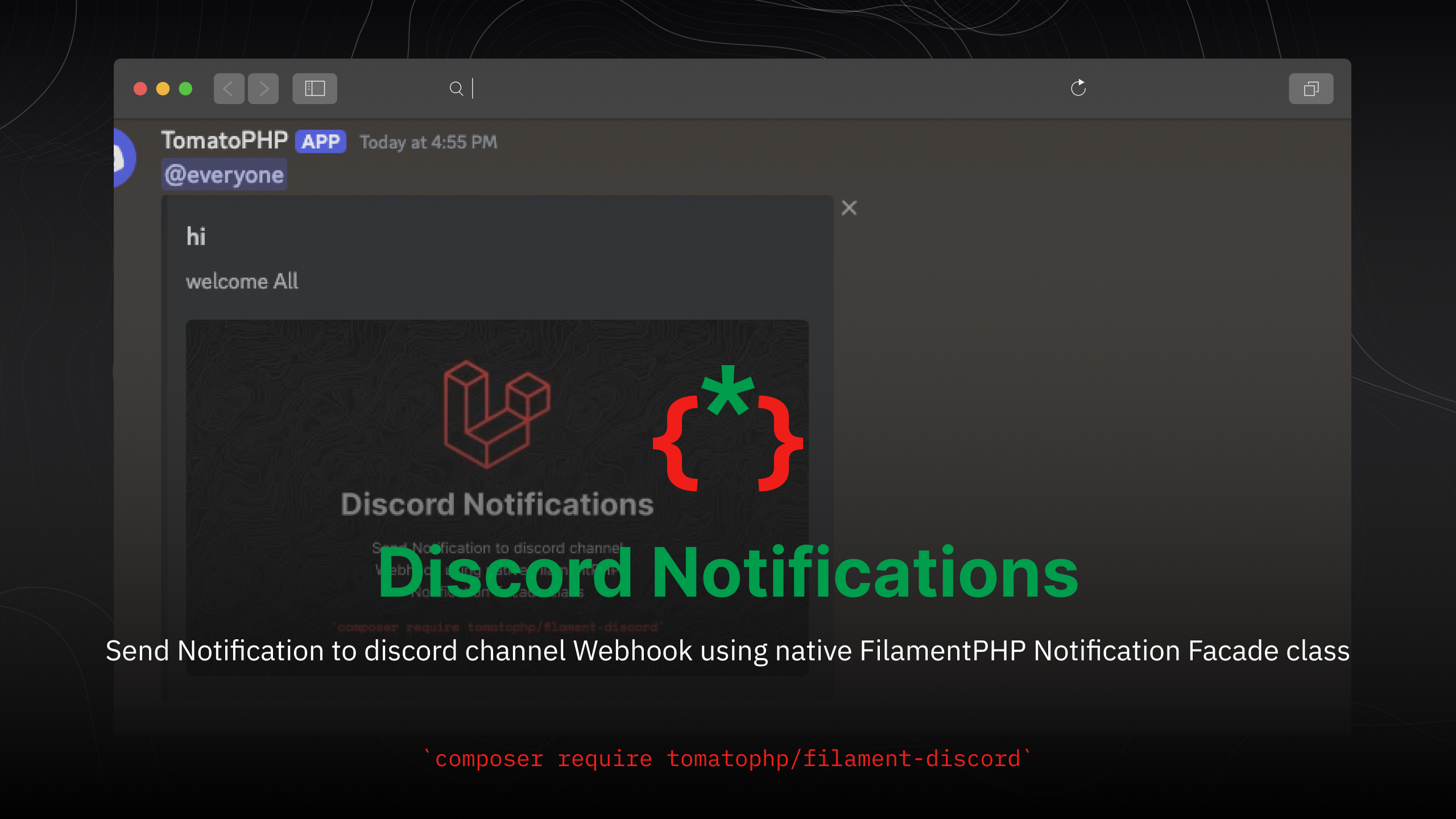
Filament Discord Notifications
Send Notification to discord channel Webhook using native FilamentPHP Notification Facade class
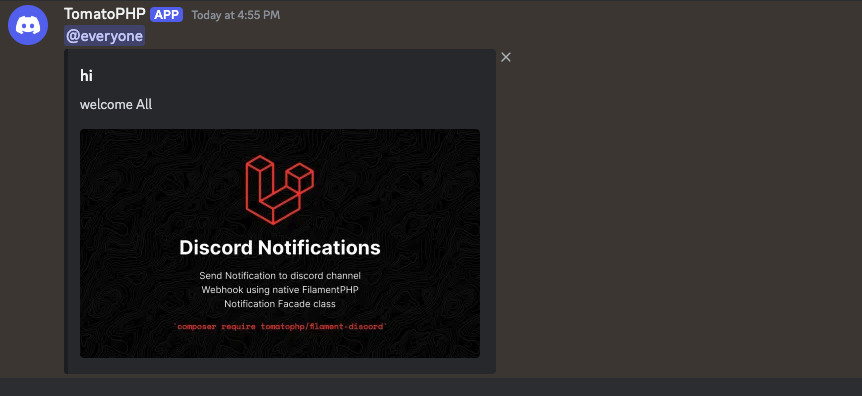
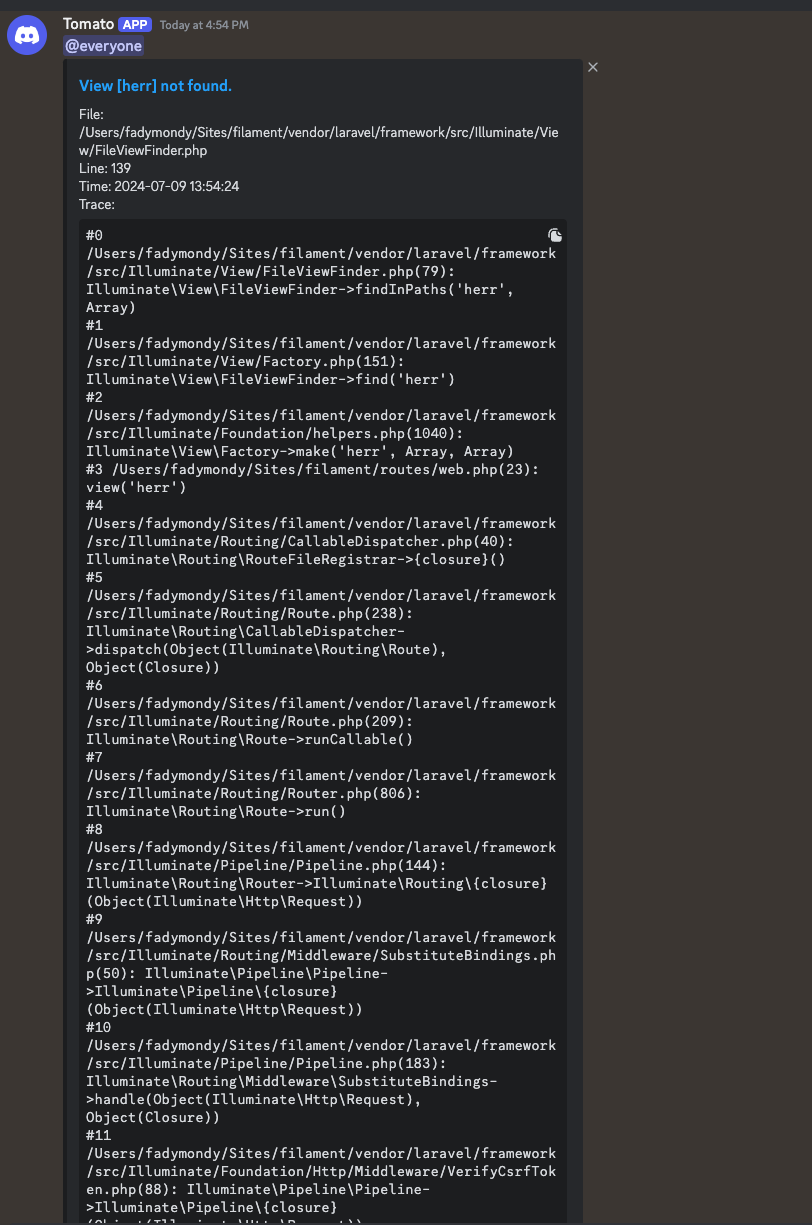
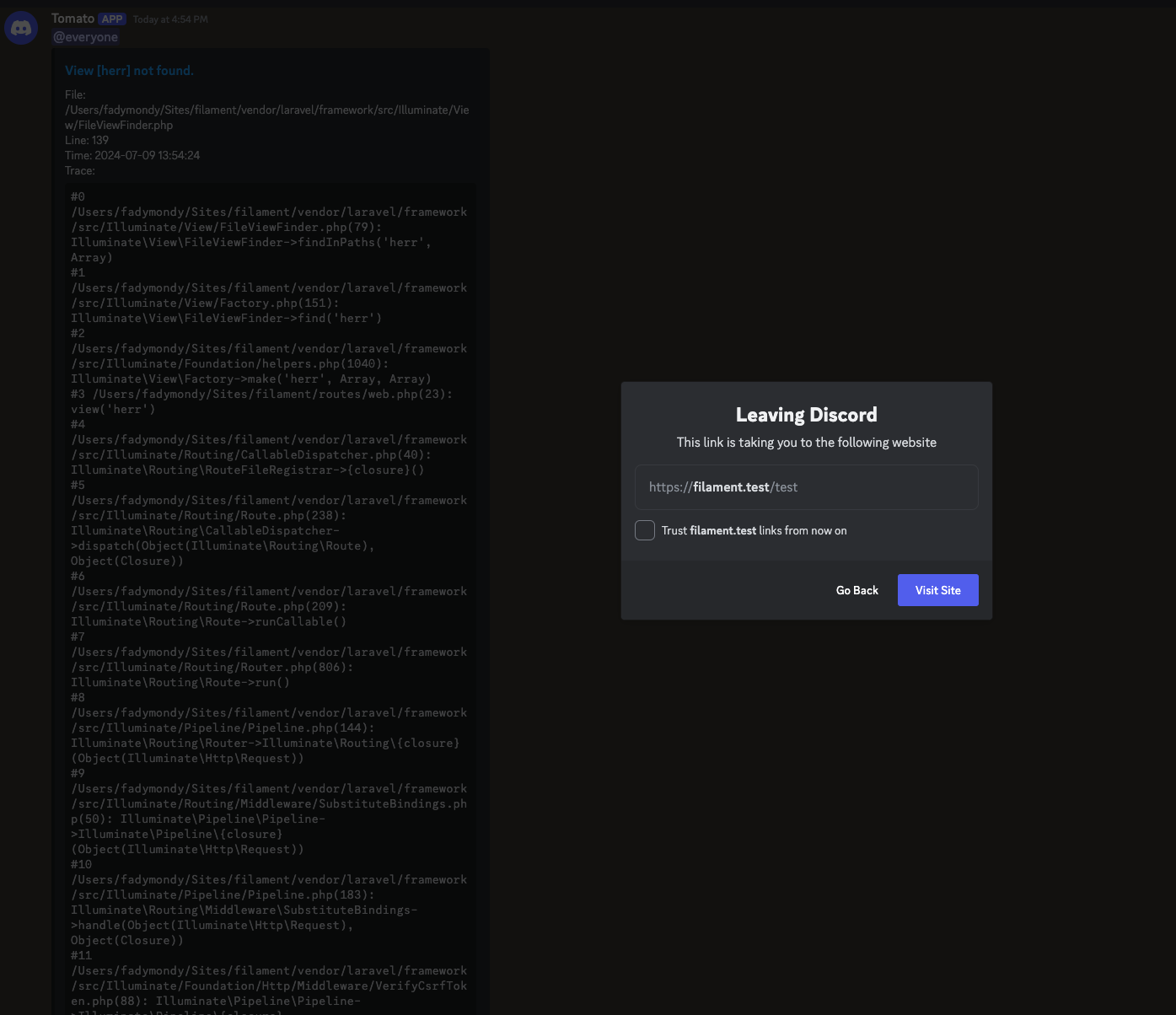
Screenshots
Installation
composer require tomatophp/filament-discord
after install on your .env file set
DISCORD_WEBHOOK=
DISCORD_ERROR_WEBHOOK=
DISCORD_ERROR_WEBHOOK_ACTIVE=
where DISCORD_WEBHOOK the main notification channel webhook and DISCORD_ERROR_WEBHOOK is the error logger channel webhook and DISCORD_ERROR_WEBHOOK_ACTIVE to be true or false to active and stop logger
Using
you can send notification to discord with multi-way the first of it is using native FilamentPHP Notification::class
use \Filament\Notifications\Notification;

Notification::make()
    ->title('Hi')
    ->body('Welcome On The Moon!')
    ->sendToDiscord()
you can attach image to the message like this
use \Filament\Notifications\Notification;

Notification::make()
    ->title('Hi')
    ->body('Welcome On The Moon!')
    ->sendToDiscord(image: "https://raw.githubusercontent.com/tomatophp/filament-discord/master/arts/3x1io-tomato-discord.jpg")
Send to Selected User
you can send a notification to selected user webhook by add a column on your user table with name webhook and then add this tait to User model
use TomatoPHP\FilamentDiscord\Traits\InteractsWithDiscord;

class User {
    use InteractsWithDiscord;
}
and now you can send notification to the user like this
use \Filament\Notifications\Notification;

Notification::make()
    ->title('Hi')
    ->body('Welcome On The Moon!')
    ->sendToDiscord($user)
Allow Discord Error Logger
you can use Discord channel as an error logger to log and followup your error with a very easy way, on your bootstrap/app.php add this class like this
use Illuminate\Foundation\Application;
use Illuminate\Foundation\Configuration\Exceptions;
use Illuminate\Foundation\Configuration\Middleware;
use ProtoneMedia\Splade\Http\SpladeMiddleware;

return Application::configure(basePath: dirname(__DIR__))
    ->withRouting(
        web: __DIR__.'/../routes/web.php',
        api: __DIR__.'/../routes/api.php',
        commands: __DIR__.'/../routes/console.php',
        channels: __DIR__.'/../routes/channels.php',
        health: '/up',
    )
    ->withMiddleware(function (Middleware $middleware) {
    })
    ->withExceptions(function (Exceptions $exceptions) {
        \TomatoPHP\FilamentDiscord\Helpers\DiscordErrorReporter::make($exceptions);
    })->create();
Publish Assets
you can publish config file by use this command
php artisan vendor:publish --tag="filament-discord-config"
Other Filament Packages
Checkout our Awesome TomatoPHP
统计信息
- 总下载量: 3.09k
- 月度下载量: 0
- 日度下载量: 0
- 收藏数: 2
- 点击次数: 0
- 依赖项目数: 1
- 推荐数: 0
其他信息
- 授权协议: MIT
- 更新时间: 2024-07-09