tomatophp/filament-settings-hub
最新稳定版本:4.0.1
Composer 安装命令:
composer require tomatophp/filament-settings-hub
包简介
Manage your Filament app settings with GUI and helpers
README 文档
README
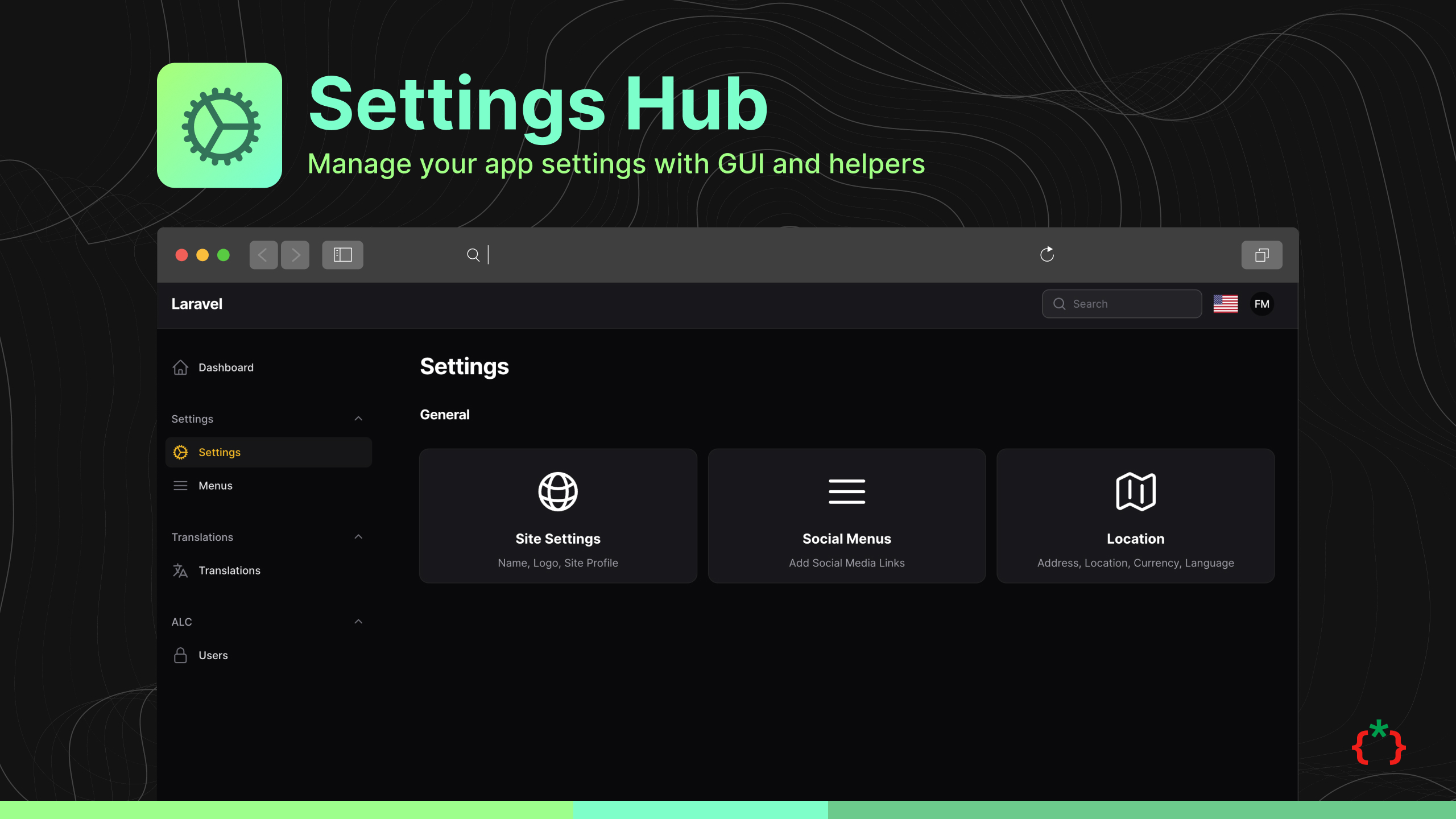
Filament Settings Hub


Manage your Filament app settings with GUI and helpers
Screenshots


Installation
composer require tomatophp/filament-settings-hub
fadymondy after publish and migrate settings table please run this command
php artisan filament-settings-hub:install
finally register the plugin on /app/Providers/Filament/AdminPanelProvider.php
->plugin(
    \TomatoPHP\FilamentSettingsHub\FilamentSettingsHubPlugin::make()
        ->allowSiteSettings()
        ->allowSocialMenuSettings()
)
Usage
you can use this package by use this helper function
setting($key, 'default value');
to register new setting to the hub page you can use Facade class on your provider like this
use TomatoPHP\FilamentSettingsHub\Facades\FilamentSettingsHub;
use TomatoPHP\FilamentSettingsHub\Services\Contracts\SettingHold;

FilamentSettingsHub::register([
    SettingHold::make()
        ->order(2)
        ->label('Site Settings') // to translate label just use direct translation path like `messages.text.name`
        ->icon('heroicon-o-globe-alt')
        ->route('filament.admin.pages.site-settings') // use page / route
        ->page(\TomatoPHP\FilamentSettingsHub\Pages\SiteSettings::class) // use page / route
        ->description('Name, Logo, Site Profile') // to translate label just use direct translation path like `messages.text.name`
        ->group('General') // to translate label just use direct translation path like `messages.text.name`,
]);
and now you can see your settings on the setting hub page.
Allow Shield
to allow filament-shield for the settings please install it and config it first then you can use this method
->plugin(
    \TomatoPHP\FilamentSettingsHub\FilamentSettingsHubPlugin::make()
        ->allowShield()
)
to make a secure setting page just use this trait
use TomatoPHP\FilamentSettingsHub\Traits\UseShield;
Change Upload File System for Logo / Profile
on your config filament-settings-hub.php you can change the file system for the logo / profile
'upload' => [
    'disk' => 's3',
    'path' => 'settings',
],
Publish Assets
you can publish config file by use this command
php artisan vendor:publish --tag="filament-settings-hub-config"
you can publish views file by use this command
php artisan vendor:publish --tag="filament-settings-hub-views"
you can publish languages file by use this command
php artisan vendor:publish --tag="filament-settings-hub-lang"
you can publish migrations file by use this command
php artisan vendor:publish --tag="filament-settings-hub-migrations"
Testing
if you like to run PEST testing just use this command
composer test
Code Style
if you like to fix the code style just use this command
composer format
PHPStan
if you like to check the code by PHPStan just use this command
composer analyse
Other Filament Packages
Checkout our Awesome TomatoPHP
统计信息
- 总下载量: 38.47k
- 月度下载量: 0
- 日度下载量: 0
- 收藏数: 56
- 点击次数: 9
- 依赖项目数: 11
- 推荐数: 0
其他信息
- 授权协议: MIT
- 更新时间: 2026-01-04